
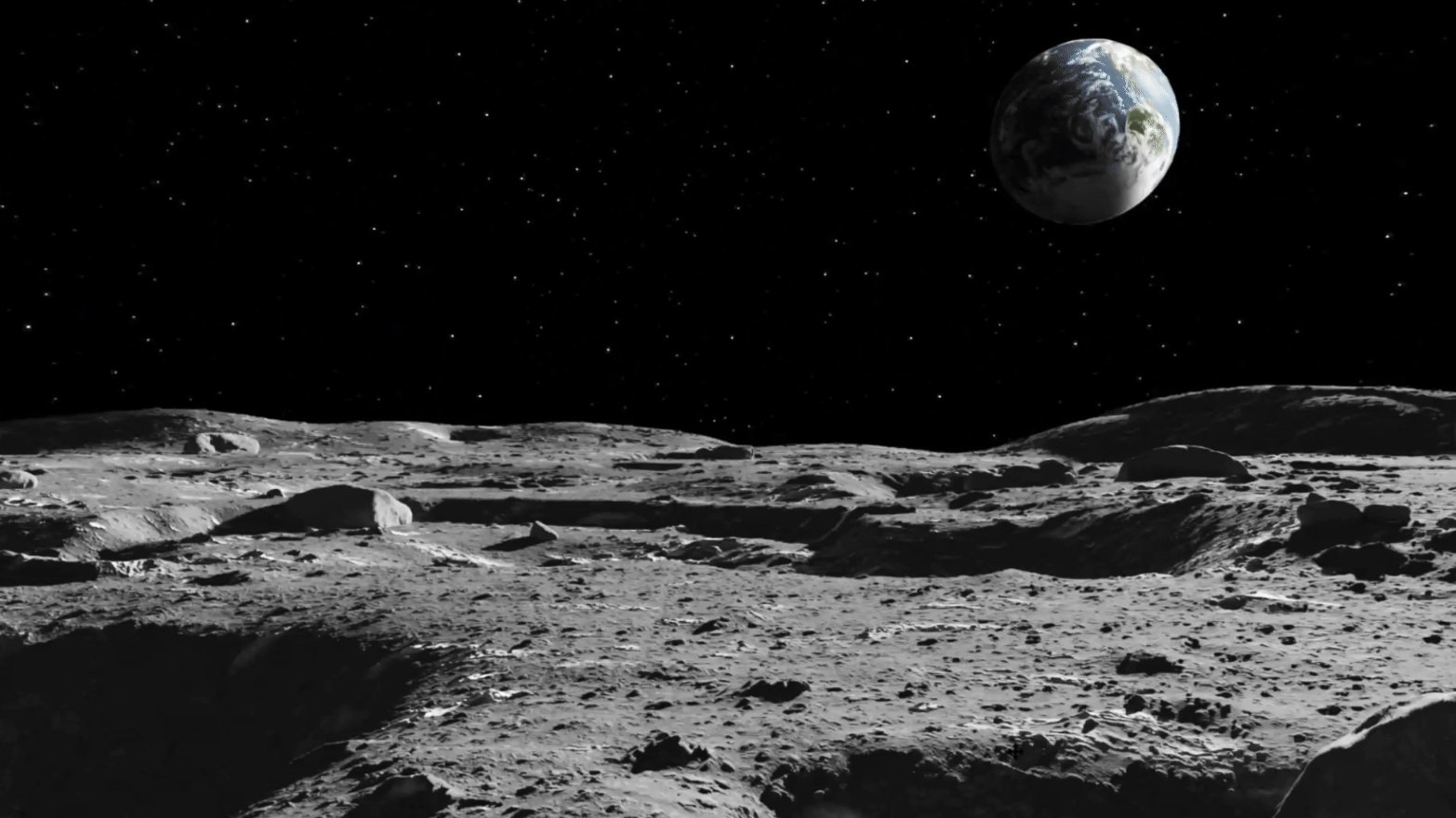
2025: Moon Rover
2024: Mars Spacesuit
2023: Moon Spacesuit
AR Suit Display for Astronauts
3x national finalists in the annual NASA SUITS Challenge
DISCIPLINES
Design systems, Usability testing, Project management
TOOLS
Figma, Illustrator, Magic Leap 2, Premiere
TIMEFRAME
Sept - May 2025
Sept - May 2024
Sept - May 2023
ROLE
Chief Designer
UI/UX Team Lead
UI/UX Designer
The Problem
01
How might we design a streamlined process to execute mission-critical tasks, helping astronauts overcome the challenges of safely navigating the moon ?
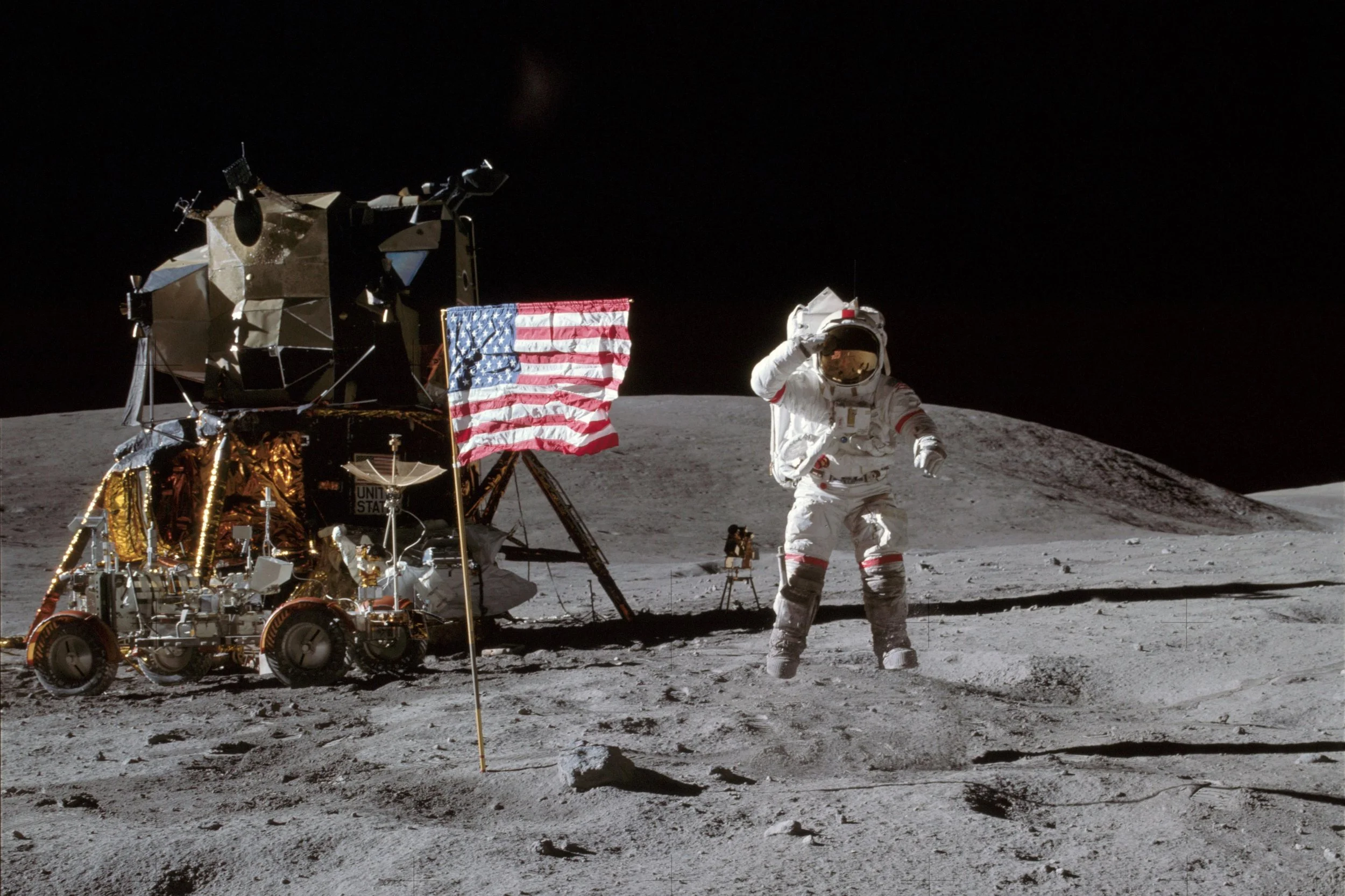
Credit: NASA
Imagine you are an astronaut on a spacewalk. You made the decision to explore that ominous crater. Mission control alert: your oxygen level is nearing 0%. You panic a little. Moondust slips out of your gloves. You need to get out of there, but you’re stranded at the edge of a 5-meter crater on the South Pole of the moon.
Human error accounts for approximately 70% of accidents in high-risk domains according to NASA’s Human Factors group. We can’t afford to lose anyone braving the new frontier.
Mission
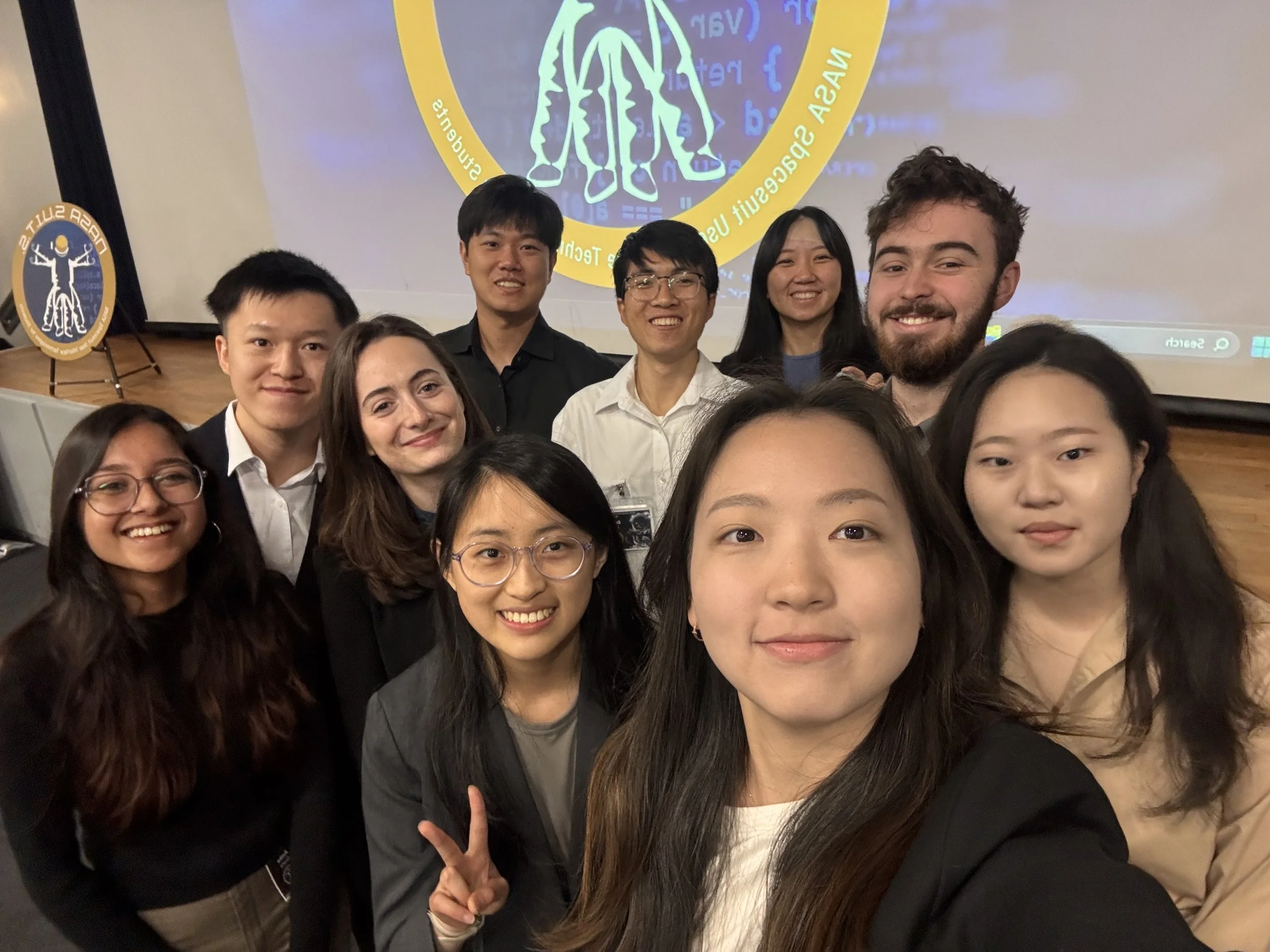
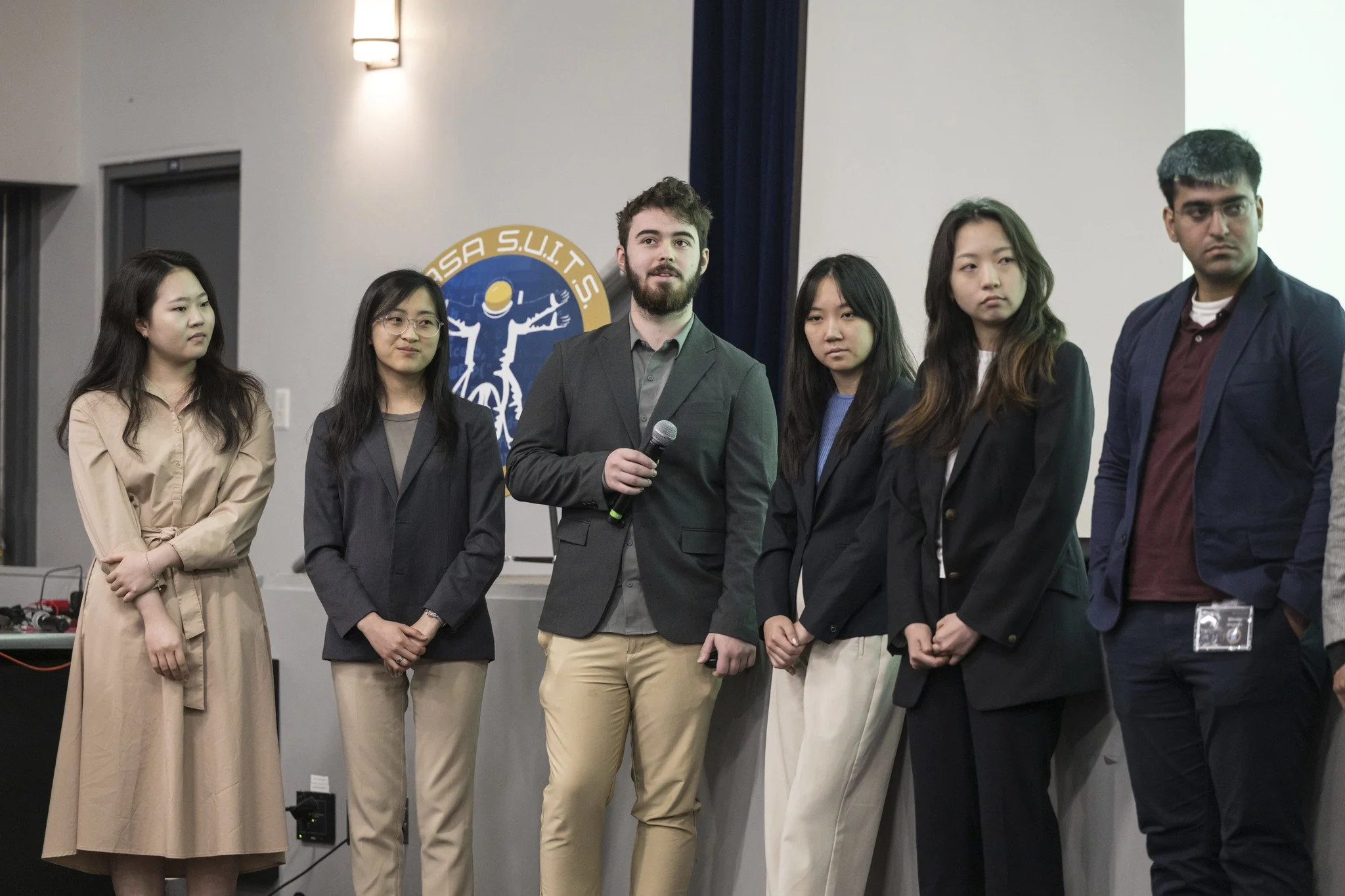
For the third year in a row, my team competed in NASA’s Spacesuit User Interface Technologies for Students (SUITS) Challenge to design and develop a user interface for astronauts to establish a sustained human presence on the Moon. Extravehicular activities (EVA), or spacewalks, play a vital role in these missions and the pursuit of deeper space exploration.
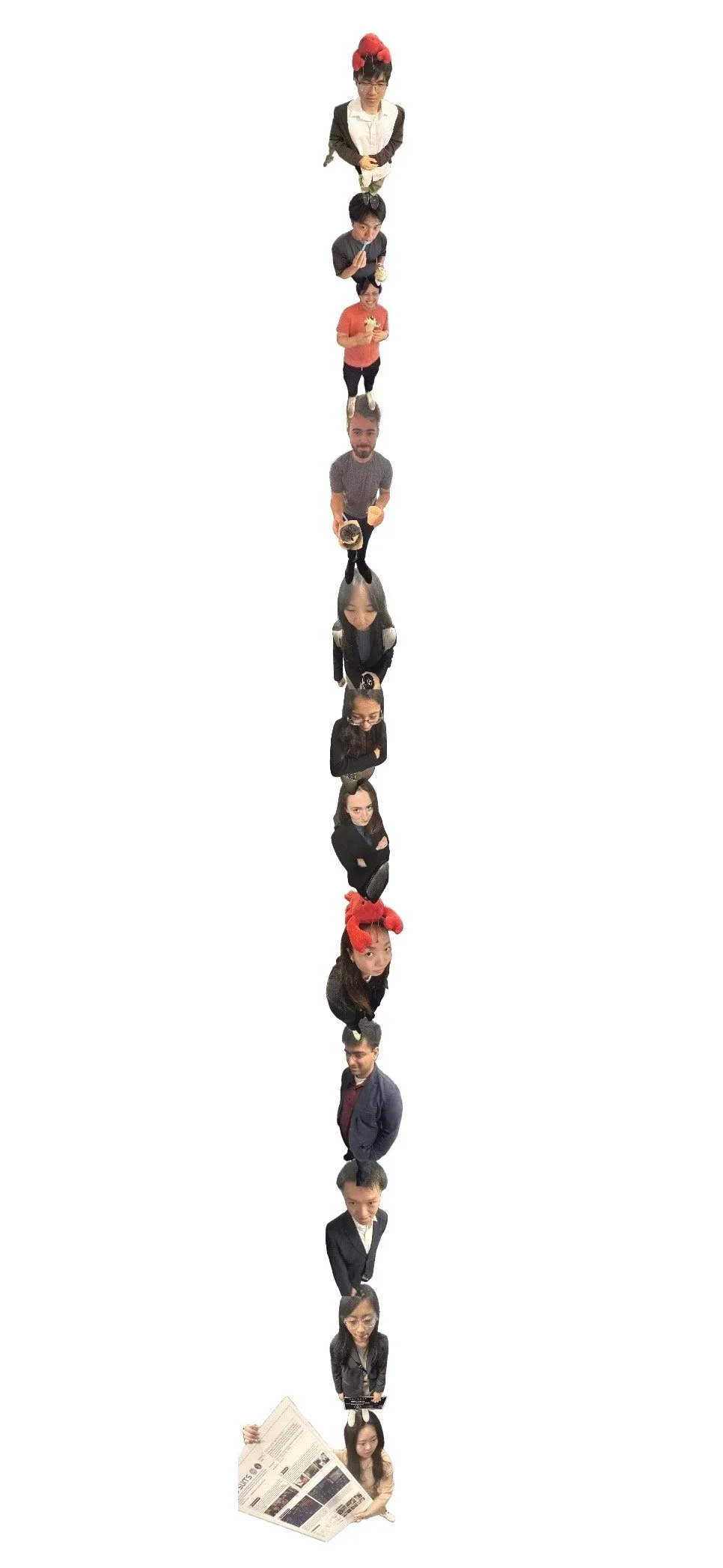
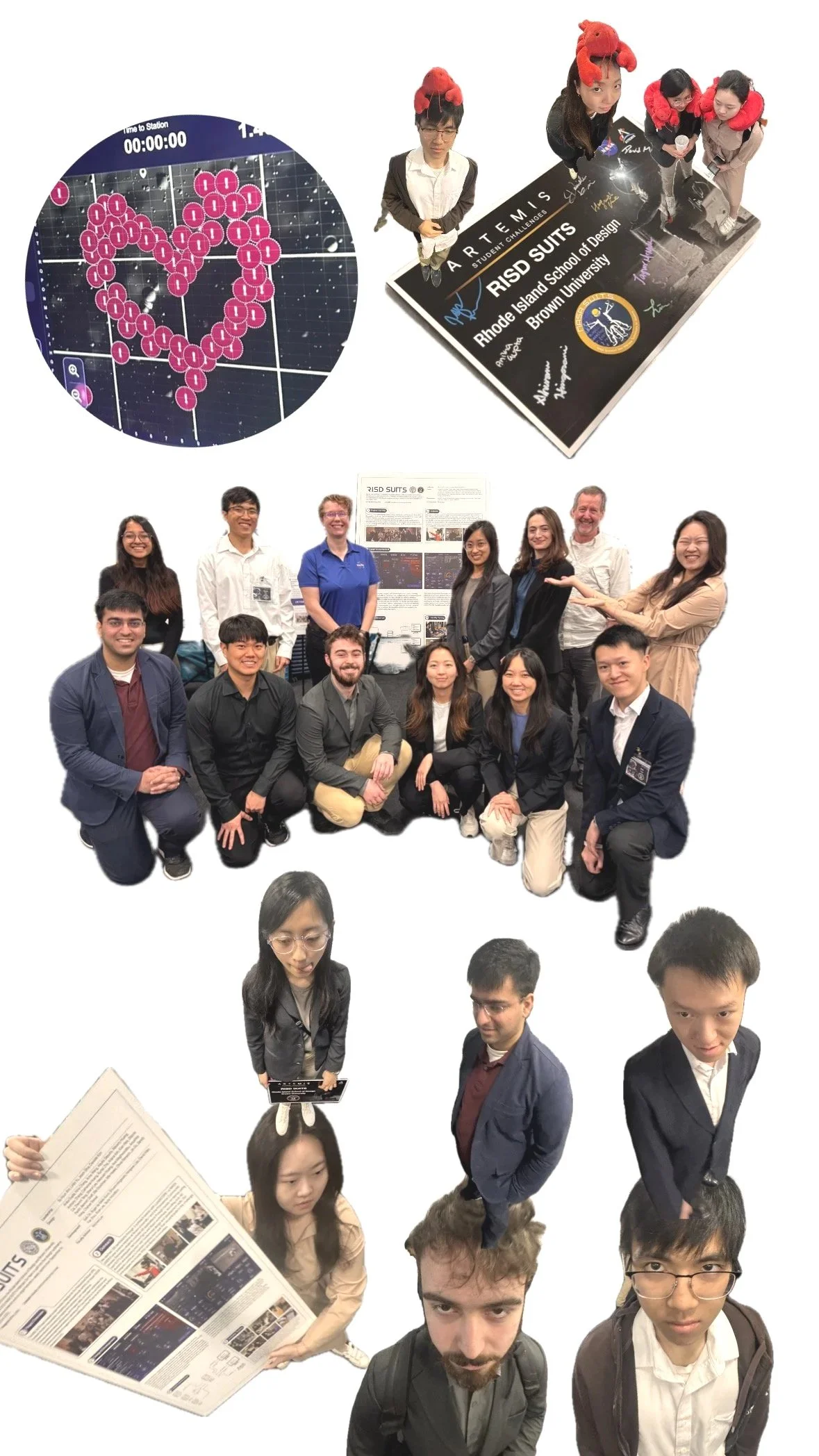
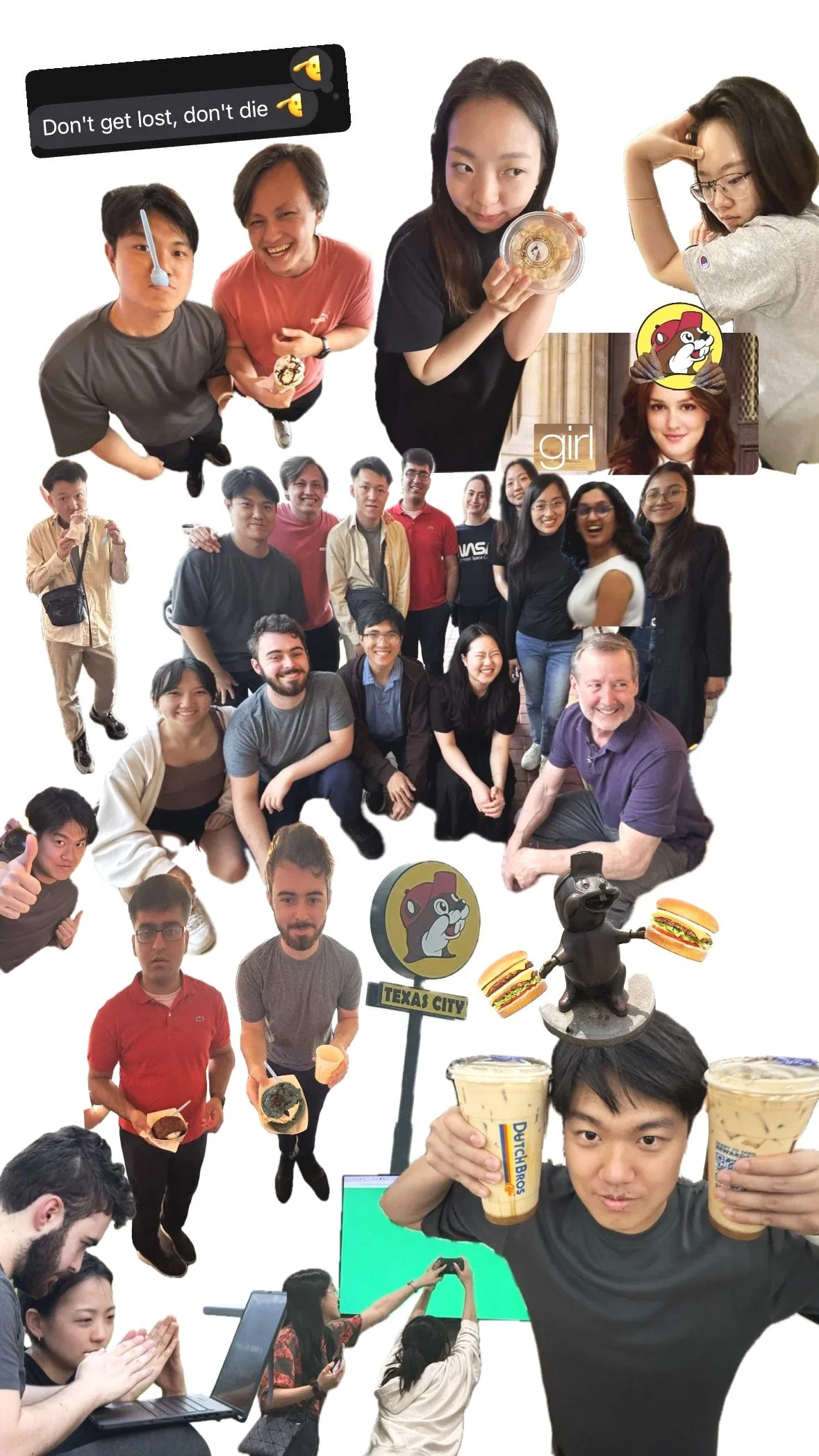
Meet the Team!
-
Leadership: Su Hyun Ahn (PM), Linlin Yu (Chief Designer), Danielle Kim (Chief Dev), Jason Silva (Chief Dev)
Design: Anna Wang, Nina Chang, Anthony Zhang, Alayka Seputra, Waverly Huang, Anika Gupta, Catherine Huang, Rumei Zha, Ariana Kim, Kian Park, Eldoris Cai, Zhenmi Tang, Sheryl Lee, Haoxuan Huang, Ava Maghsoodlou, Anushka Parikh, Bennett Graff, Ella Goodman, Mia Haake, Olivia Petrarch, Jin Gu, Sandy Hong, Chahek Bansal
Dev: Seik Oh, Ryan Lee, Roger de Mello Koch, Shivam Higorani, Hongwei Liao, Taylor McMillon, Wilson Vo, Yue Zhou, David Man
Faculty: Prof. Michael Lye
-
Leadership: Michael Wang (PM), Keya Shah (Chief Designer), Martin Ma (Chief Dev)
Design: Linlin Yu (Web Lead), Sunjoo Park (AR Lead), Anika Gupta, Alayka Seputra, Anthony Zhang, Waverly Huang, Elaine Zhang, Richard Cheng, Amy Ai, Anna Wang, Nina Chang, Kiran Mukherjee, Sheldon You
Dev: Seik Oh, Jason Silva, Ryan Lee, Jamie Chen, Julius Beberman, Mandy He, Jiayi Fan, Feiyue Zhang, Zijing Xu, Yixuan Liu
Faculty: Prof. Michael Lye
-
Leadership: Jessica Young, Michael Wang, Ashley Fan
Design: Linlin Yu, Keya Shah, Ryan Lee, Bill Xi, Pei-Jung Hsieh, Dong Yoon Shin, Bryce Yao
Dev: George Xu, Danielle Kim, Martin Ma, Jamie Chen, Julius Beberman
Faculty: Prof. Michael Lye
Stakeholders
Skye Ray, NASA Evaluator
Credit: NASA photo, persona graphic made by Linlin Yu
Our AR and web tools helped NASA design evaluators assume the role of an astronaut. Evaluators tested our program in a simulated environment called the Rock Yard, which mimics conditions on the Moon.
Combining AR and Web solutions
Interfaces displayed in AR can provide real-time data directly in astronauts’ fields of view, while a traditional web interface acts as a control center. This includes navigation paths, points of interest, or hazard warnings. This reduces fear and removes the need to consult separate devices, allowing astronauts to stay focused on the following tasks:
Egress
Prepares suit to transition from pressurized homebase onto the moon.

Navigation
Guides user across the lunar surface, avoiding hazards.

LTV Commanding
Monitors the autonomous LTV to survey moon surface.

Lunar Sampling
Shows scientific info of lunar geology picked up during EVA.

Main Goals
02
Credit: 2021-2022 RISD SUITS Design (AR)
Show less information, more confirmation.
Our previous interfaces required tediously tapping buttons for access to info, which overwhelmed users and clouded their vision during testing. However, the previous year’s research helped us start off strong.
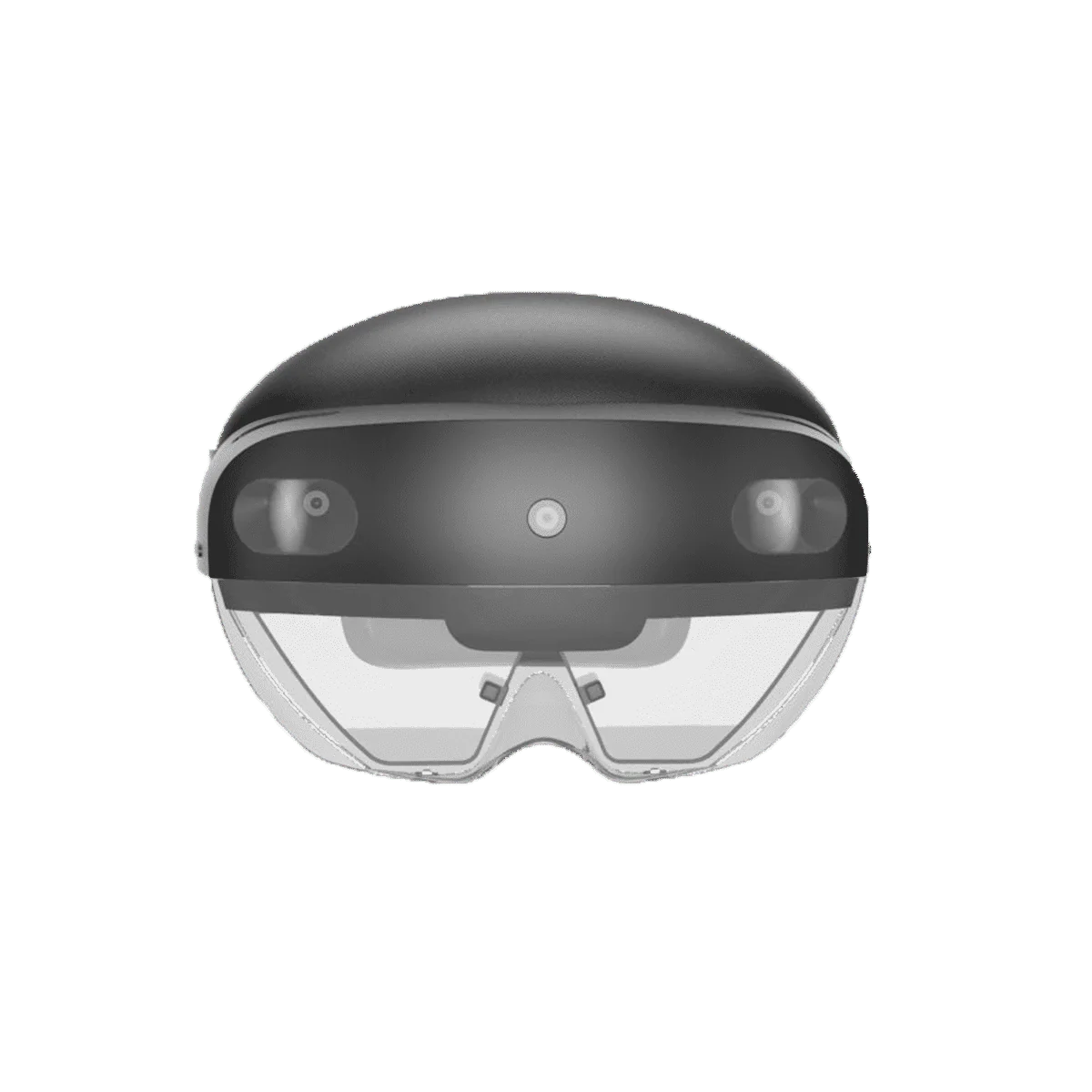
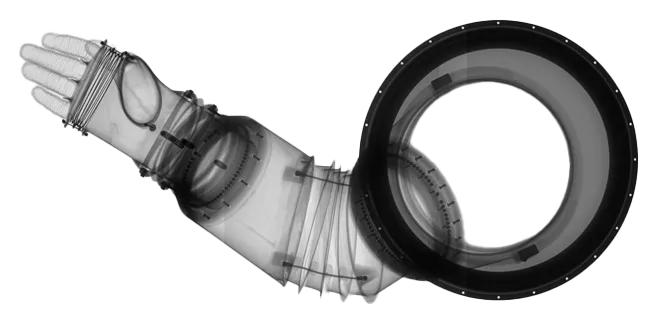
Credit: NASA
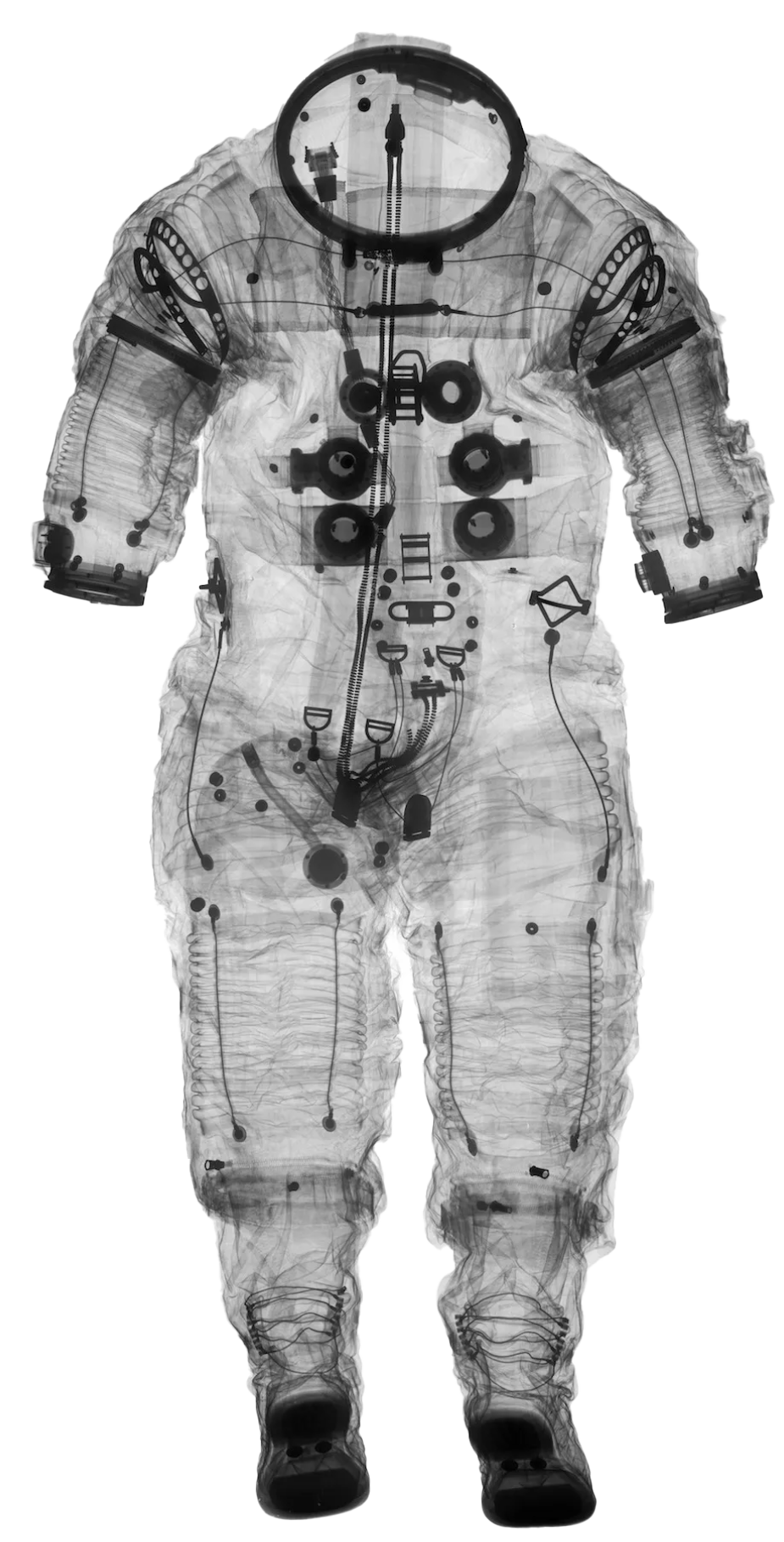
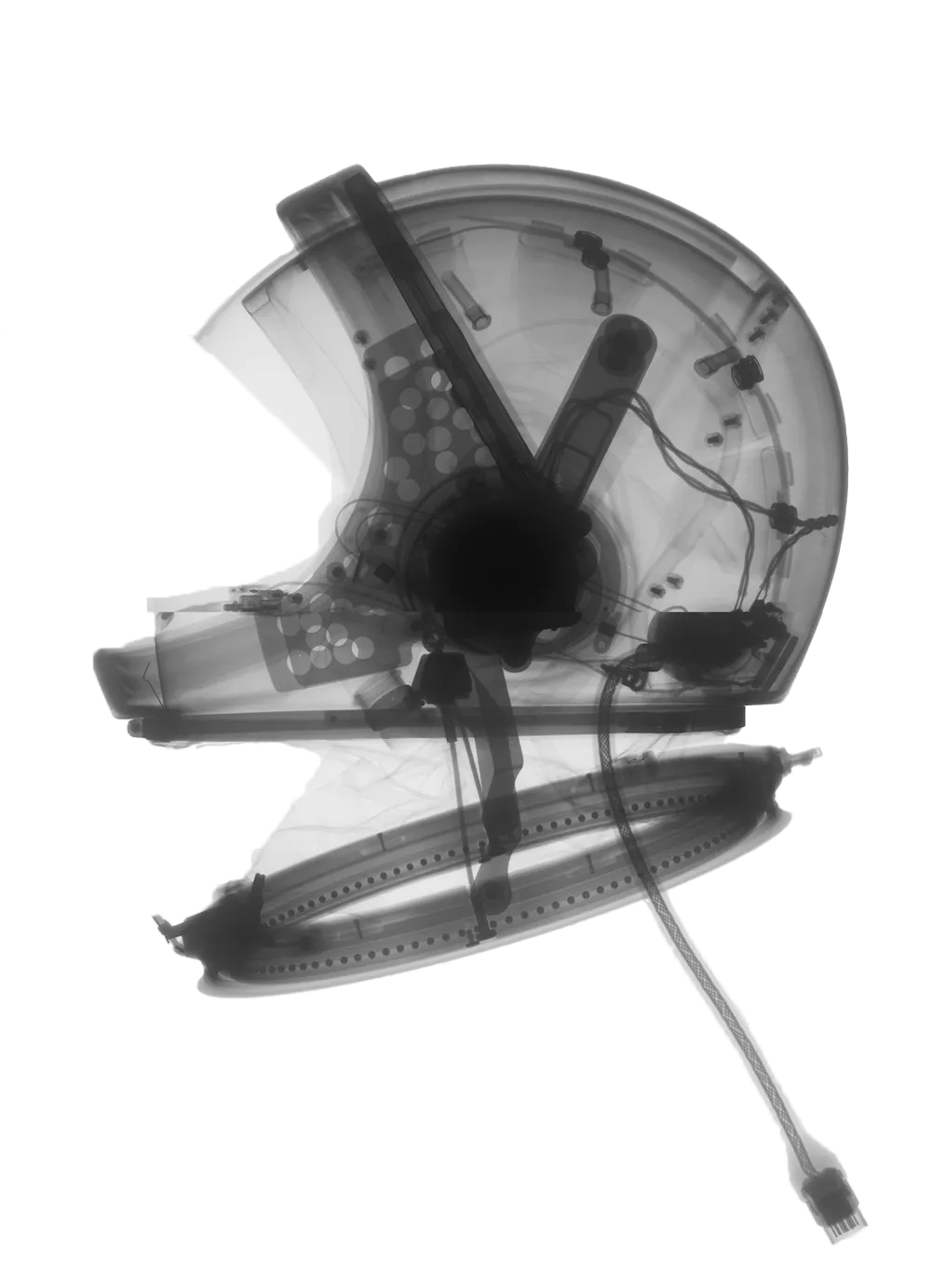
Design with physical limitations in mind.
The lunar landscape limits the ability to walk. "The current-generation suits are not designed for tasks requiring repeated bending or kneeling, causing astronauts to adopt awkward postures that increase the risk of injury during extended extravehicular activities." A HUD shouldn’t be an added burden.
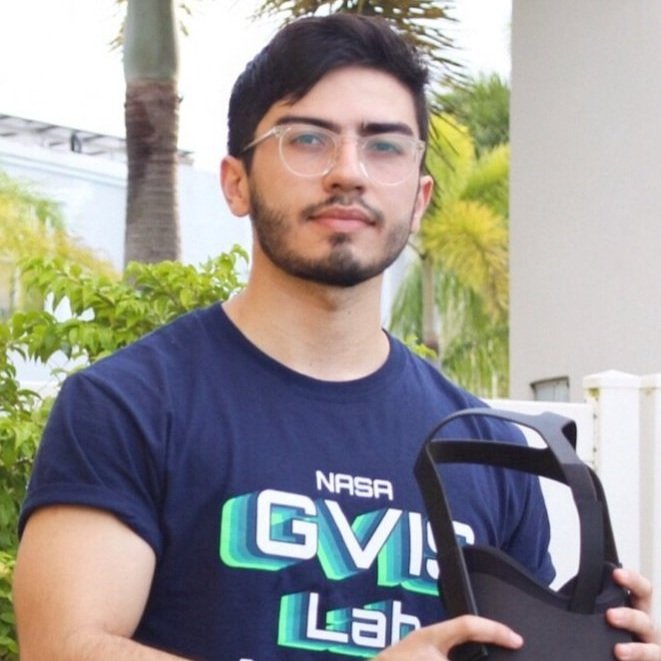
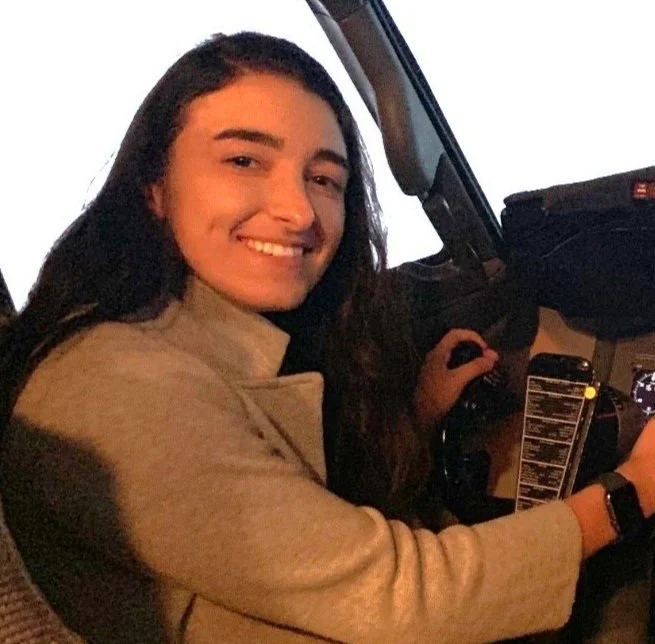
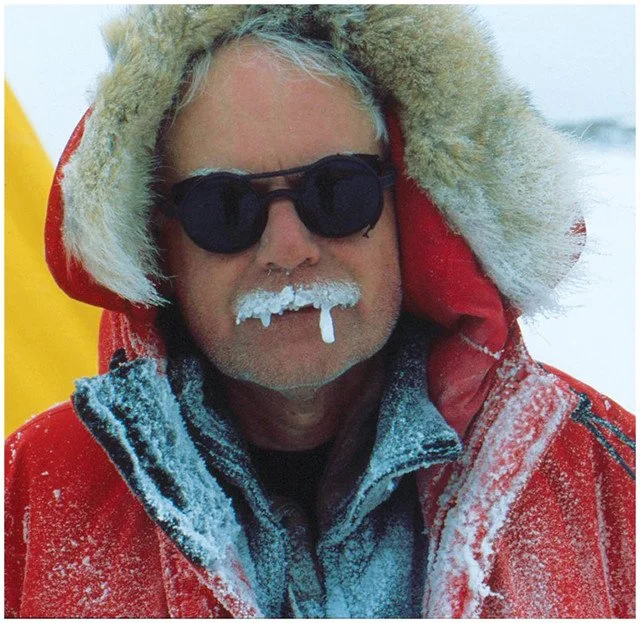

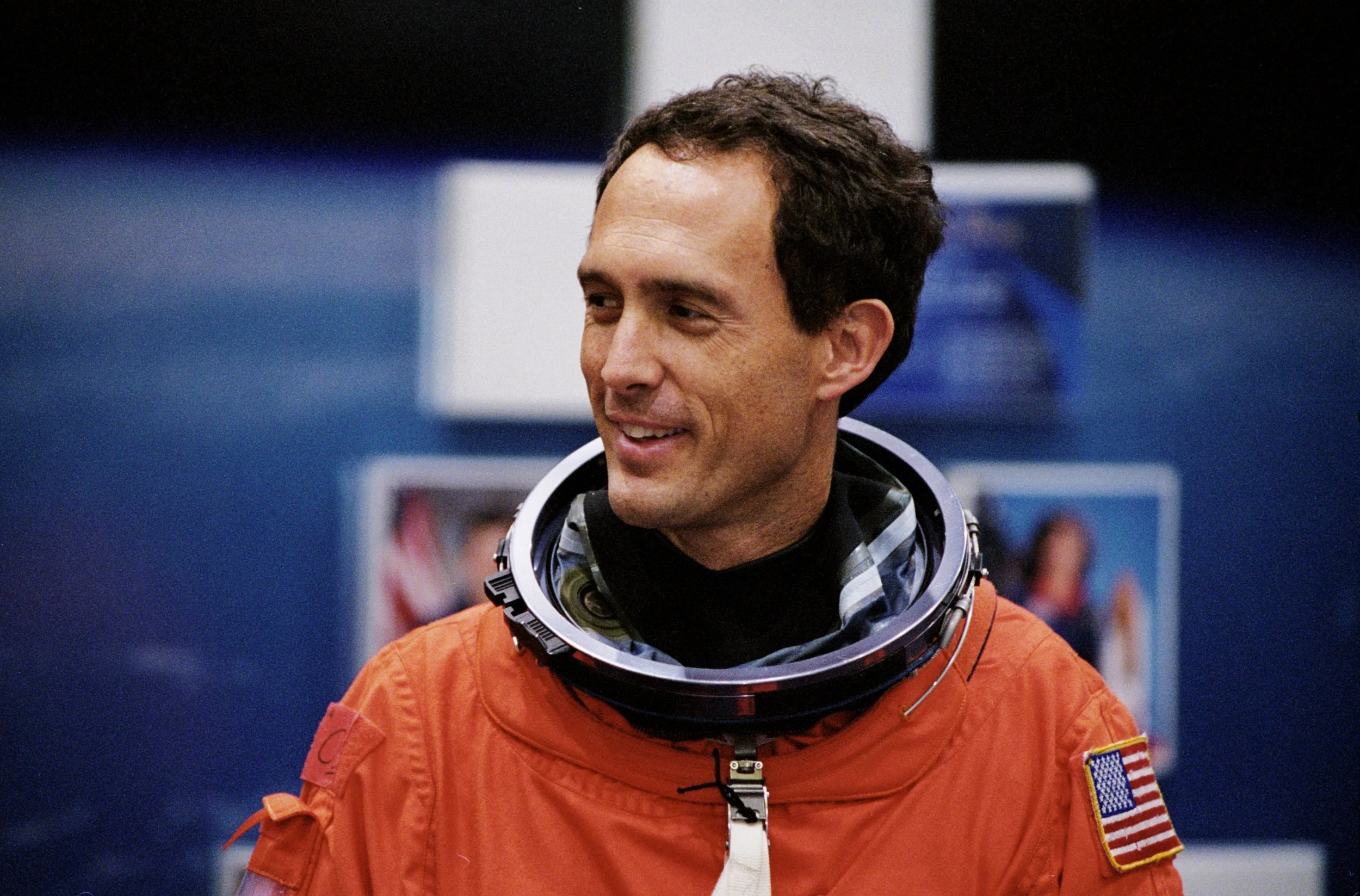
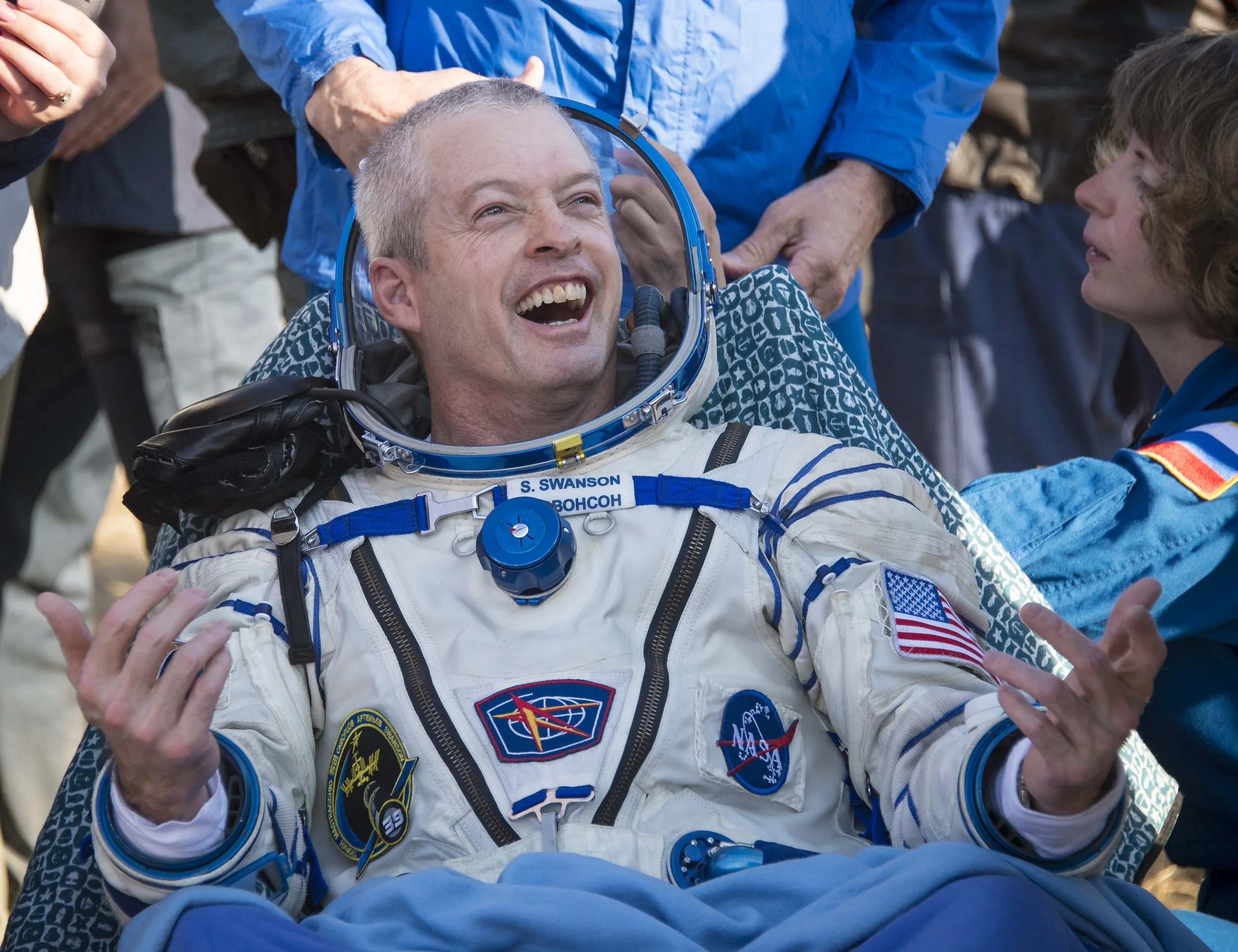
Peter S.
Geological Sciences
James N.
Former Astronaut
Steve S.
Retired Astronaut
Jonathan L.
Cartographer
Jim H.
Geological Sciences
Isabel T.
UX Designer
Alejandro R.
VR/UX Specialist
James R.
Planetary Sciences
Minimize life or death scenarios, and always have a backup ready.
Confidence drives decisions in a life-or-death situation. I studied 2021’s interviews with eight specialists and formed three main insights:
-
“What’s closer to the user is more important, which means it should be higher in the visual hierarchy”
-Romero
“Be as minimal as you can. It’s not great for all controls to disappear [on the AR display], but it can help with organization”
-Levy
-
“With bulky gloves, there's no tactile feedback”
-Swanson
“The main challenge is the gloves because they are airtight and large, so mobility is tough”
-Torron
“Use bigger hand movements!”
-Romero
-
“A procedure list and suit status are necessary”
-Torron
“A checklist relies on memorization and the current one looks like a poorly designed book”
-Newman
Prototyping
03
I learned how to write effective callouts on our designs and create a clickable prototype so developers can better understand our 3D decisions through our 2D lens.
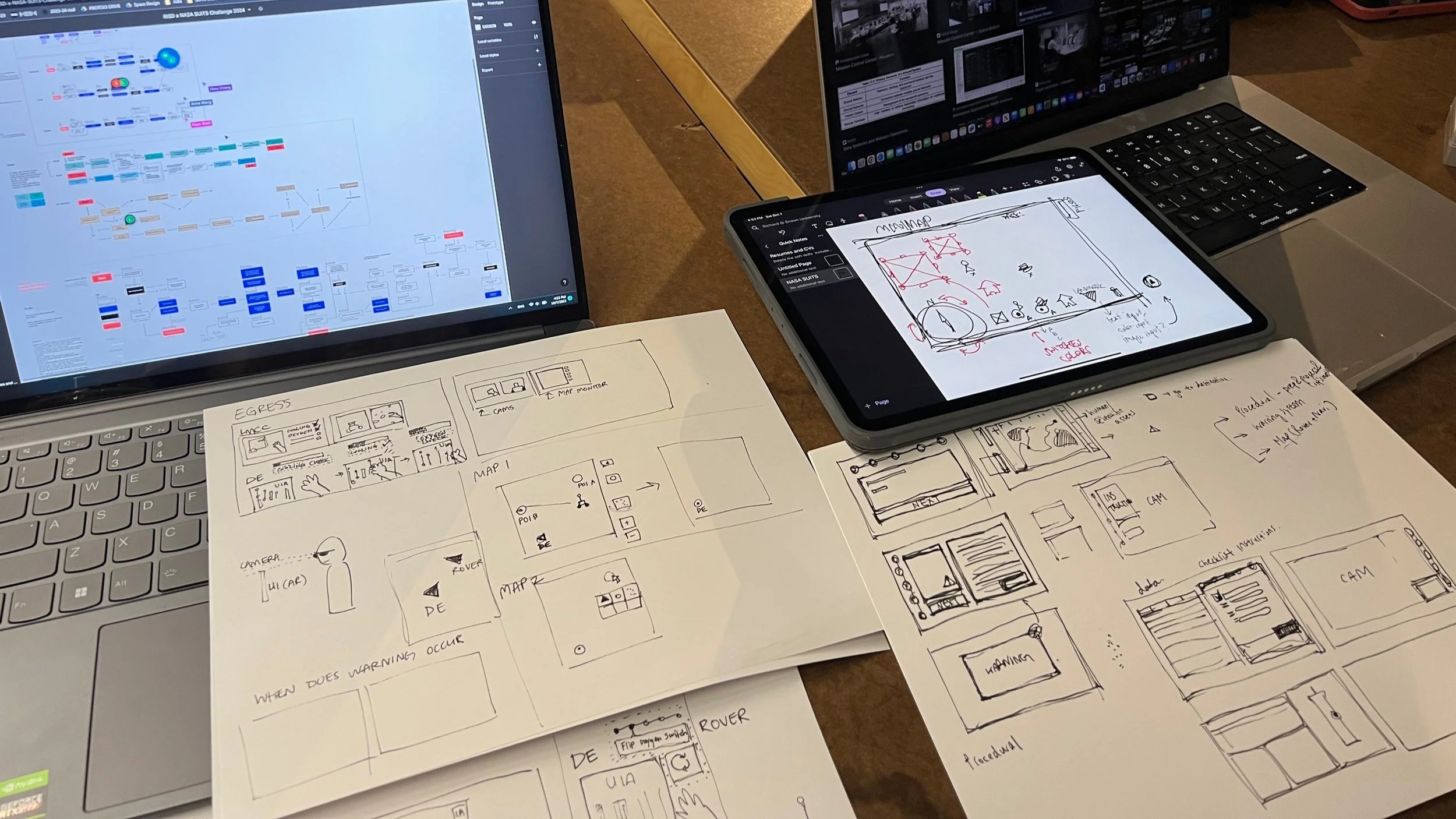
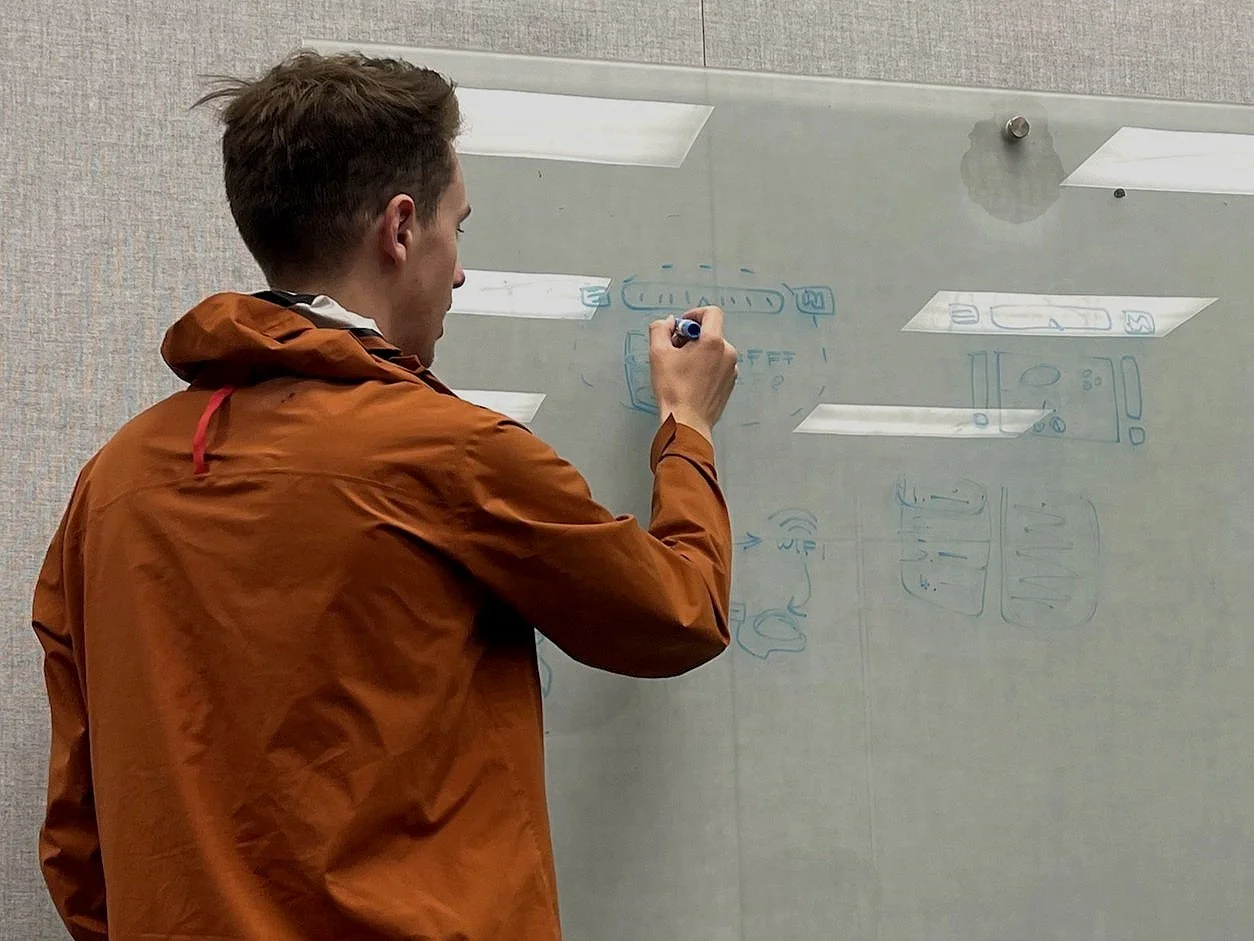
Credit: Photo of my team’s sketches taken by Linlin Yu
01 Sketches
“How do we design a moving display in a 3D space?” Draw it on paper and hold it at arms length as you walk.
Credit: Graphic of my team’s user flow
02 User Flows
“How do we divide work but ensure a linear sequence for the user? Brainstorm key features in 4 teams & regroup.
Credit: Graphic of my team’s low-fidelity screens
03 Wireframes
“How do we validate our ideas to user testers and devs?” Lay out lo-fi frames into one clickable wireframe.
Credit: Graphic of my team working together in real time
04 Clickable Prototype
“How do we make a minimum viable product?” Iterate for 3 months and implement hi-fi design into Unity.
Usability testing
04
We conducted usability research by asking college faculty to walk through our clickable prototype. We asked them to “think out loud” and had to intervene/skip tasks due to a lack of briefing on the simulation. We were gathering feedback from complete beginners of AR technology so it was impossible to have them pretend to be an astronaut on the first try, but their pain points regarding UI elements were unanimous. I specifically interviewed Matthew B.

Matthew B.
Senior Critic, RISD Industrial Design
Leah B.
Assistant Professor, RISD
Main Insights
Cheeny C-R.
Assistant Professor, RISD
-
“I don’t know what’s real and not real…Am I supposed to click on this?”
-Bird
“What’s the red triangle? Warning? Arrow? Volcano?”
-Celebrado-Royer
-
“It would help to merge ROVER command into the navigation map, since both you and the vehicle are navigating”
-Bird
“The key thing is about making the buttons consistent in word and icon choice to make it easily understandable every time”
-Celebrado-Royer
-
“It’s difficult to see the white icons. There’s so many”
-Beeferman
“Icons have no outline. Words are too small, line weight is too thin. Warning signs & top right notifications are too big and block my view”
-Bird
“The symbols aren’t exactly intuitive. I need a tooltip.”
“How do I keep track of what I need to do next?”
Lo-Fi to Hi-Fi
05
I designed for AR
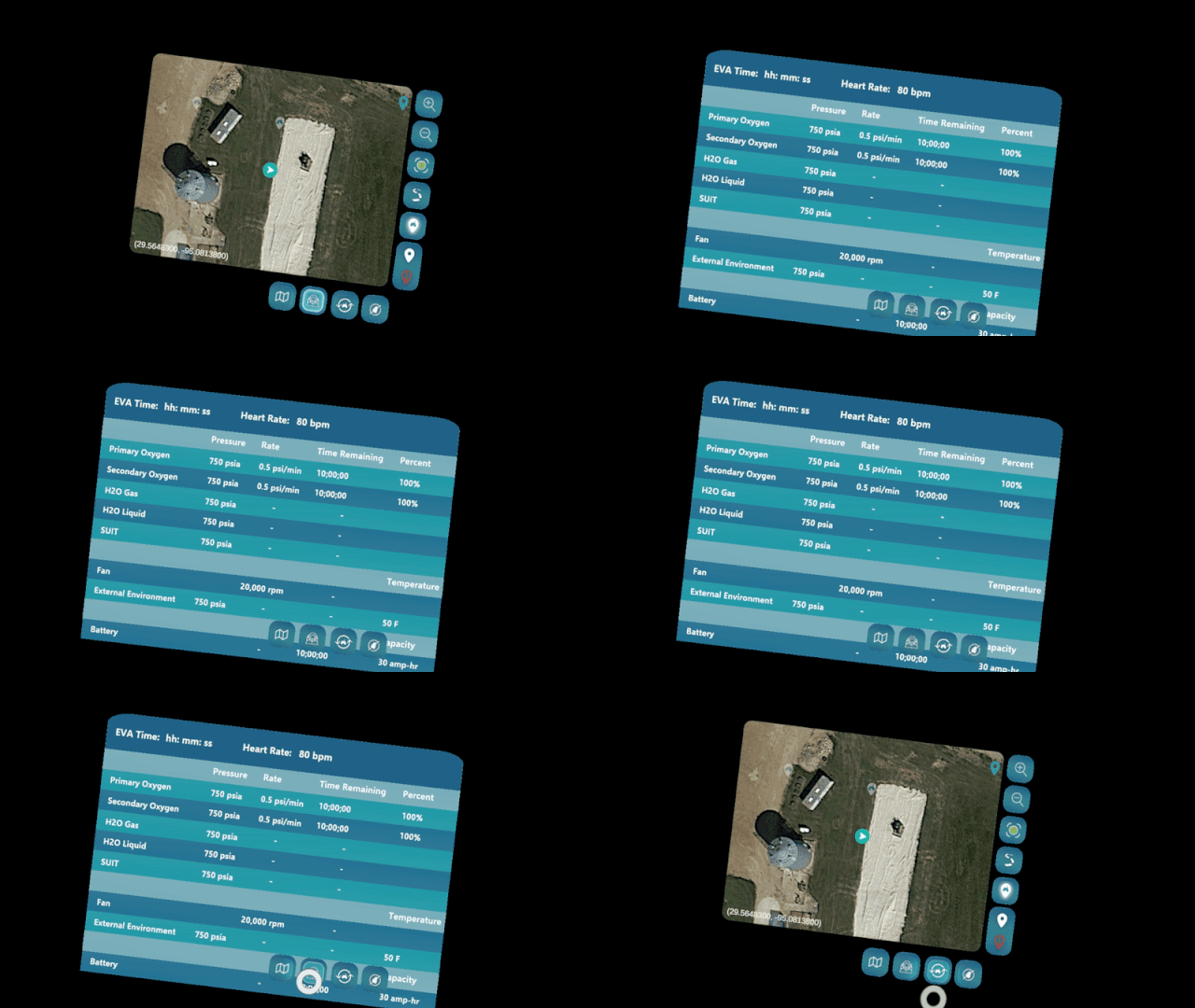
I worked with two designers and two developers to implement Geo Sampling. Throughout the year, I learned to create Figma assets, reviewed the accessibility with developers, made revisions to usability, and maintained constant communication with developers.

Credit: Graphics by Linlin Yu and team member Dong Yoon Shin
I designed to support AR
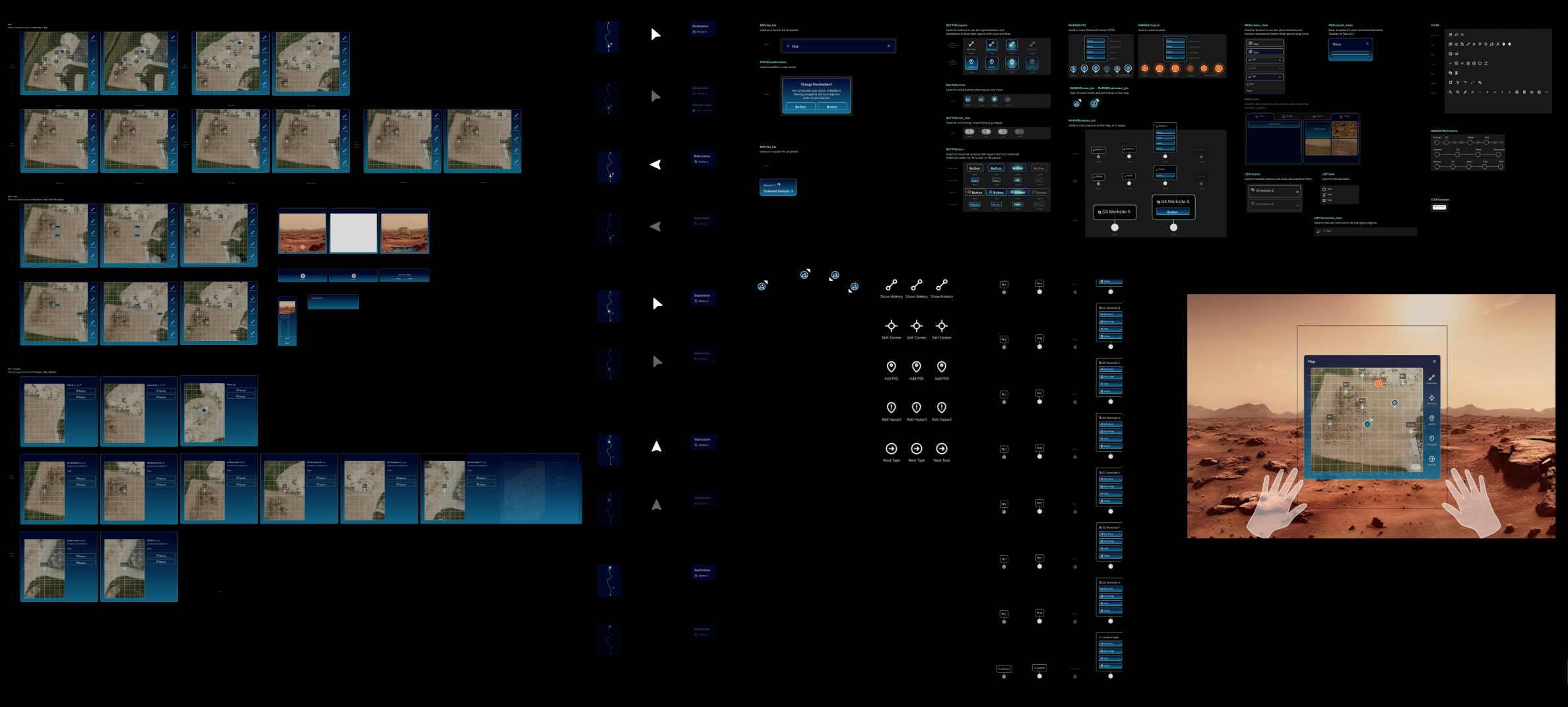
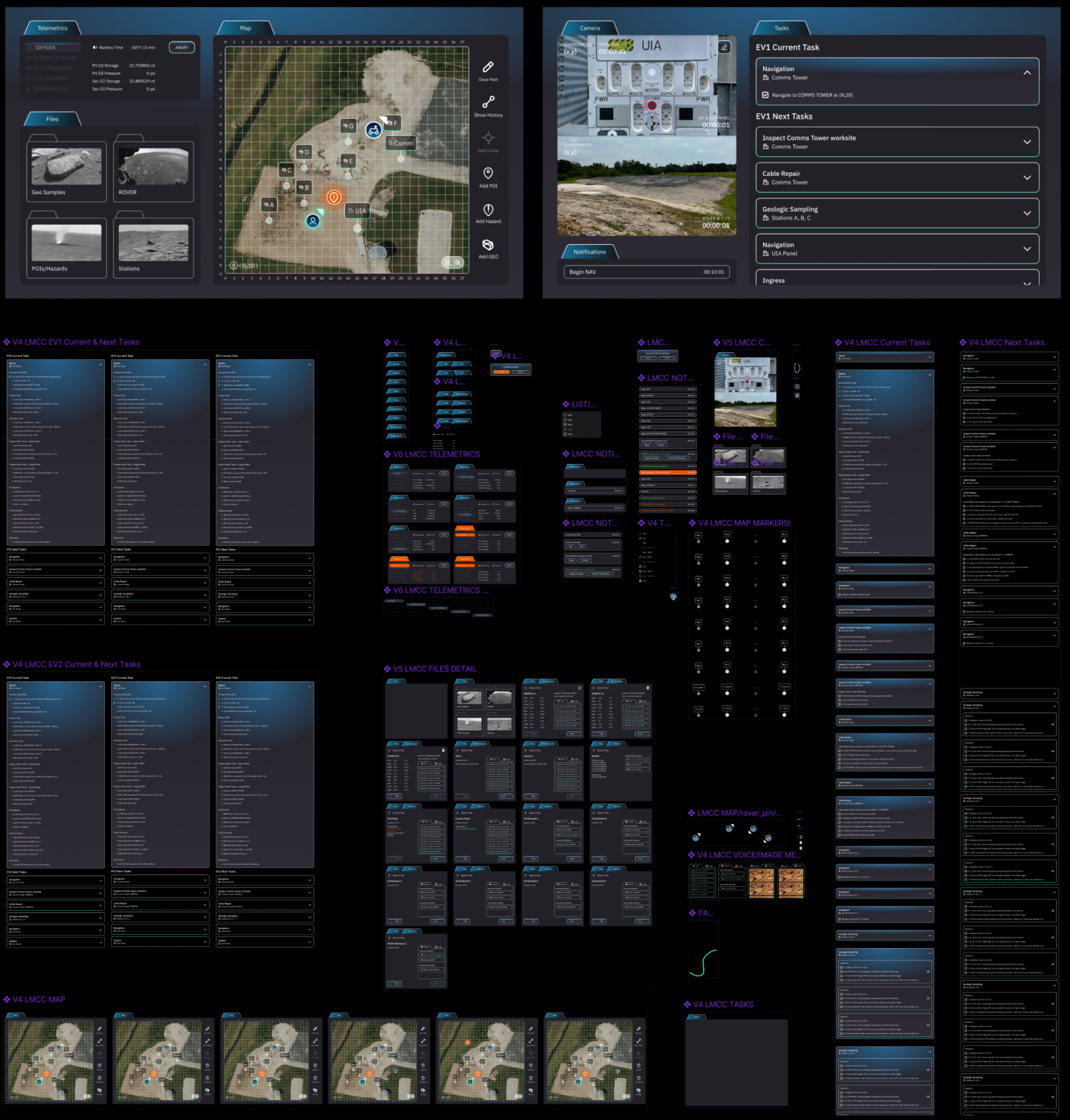
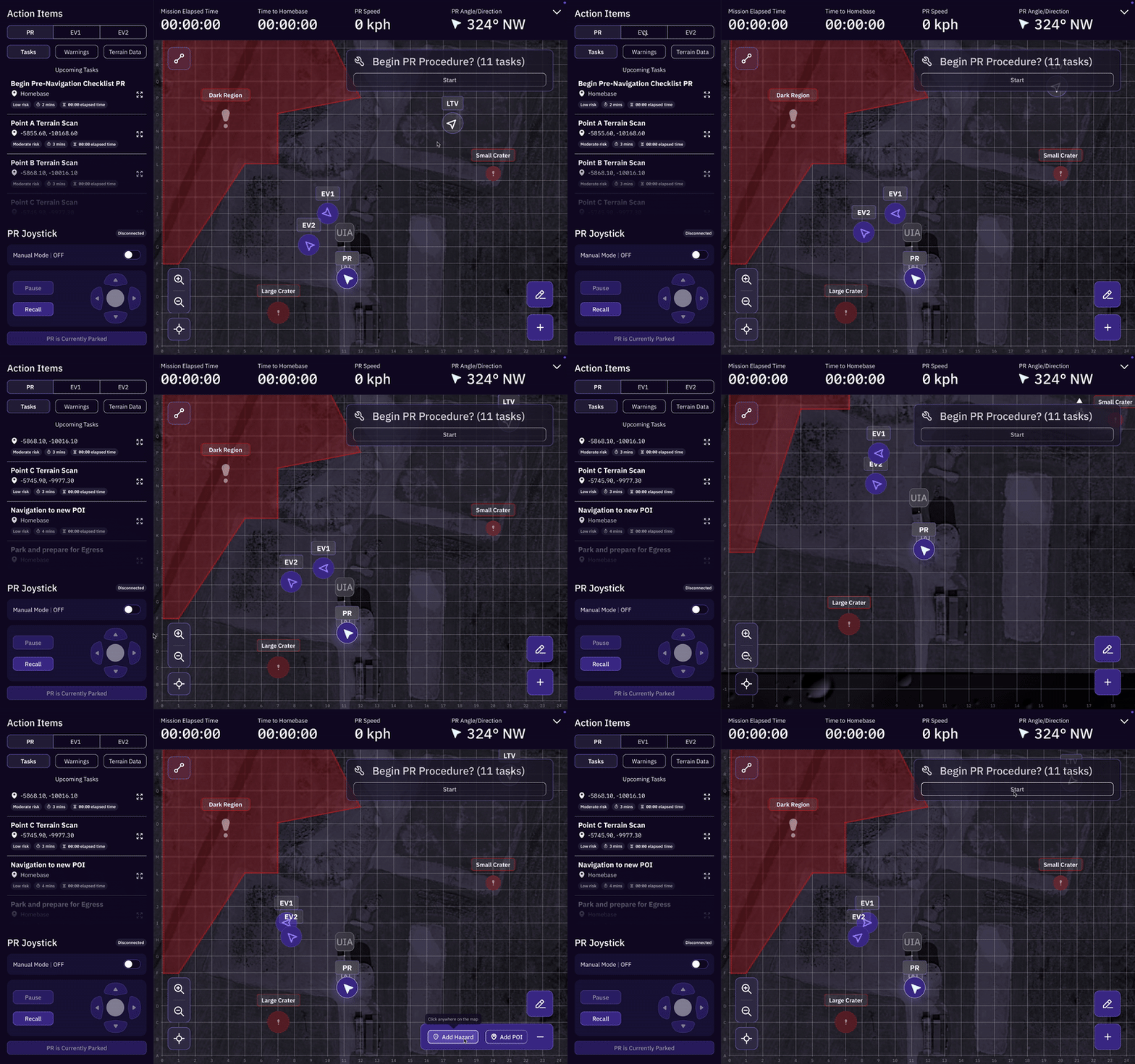
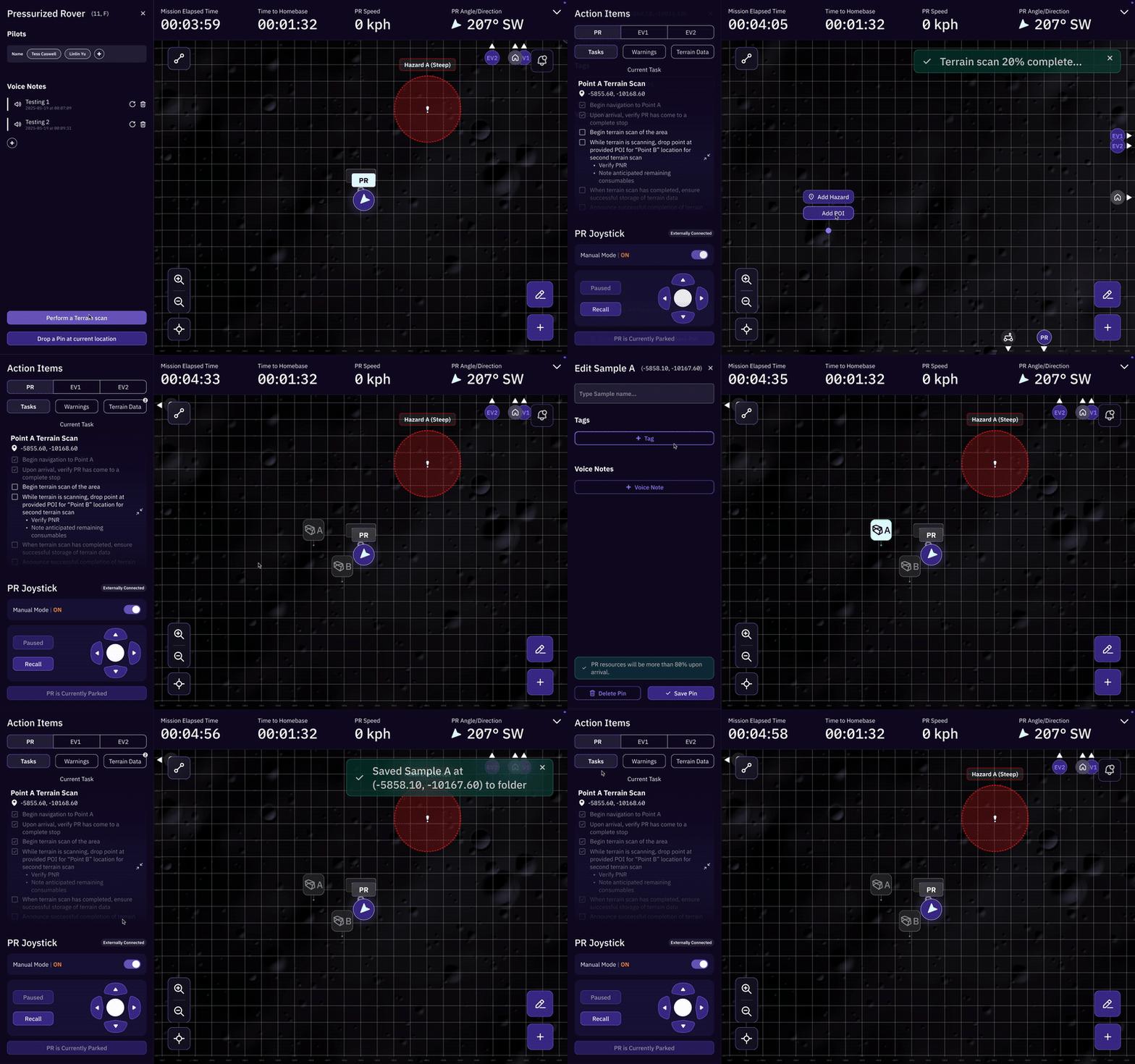
I led a subteam of 4 designers and worked with two developers to implement a mission control dashboard to support the astronauts out on the field. This was a high-level web application that consolidated every task the EV had to undertake, keeping track of EVA progress.
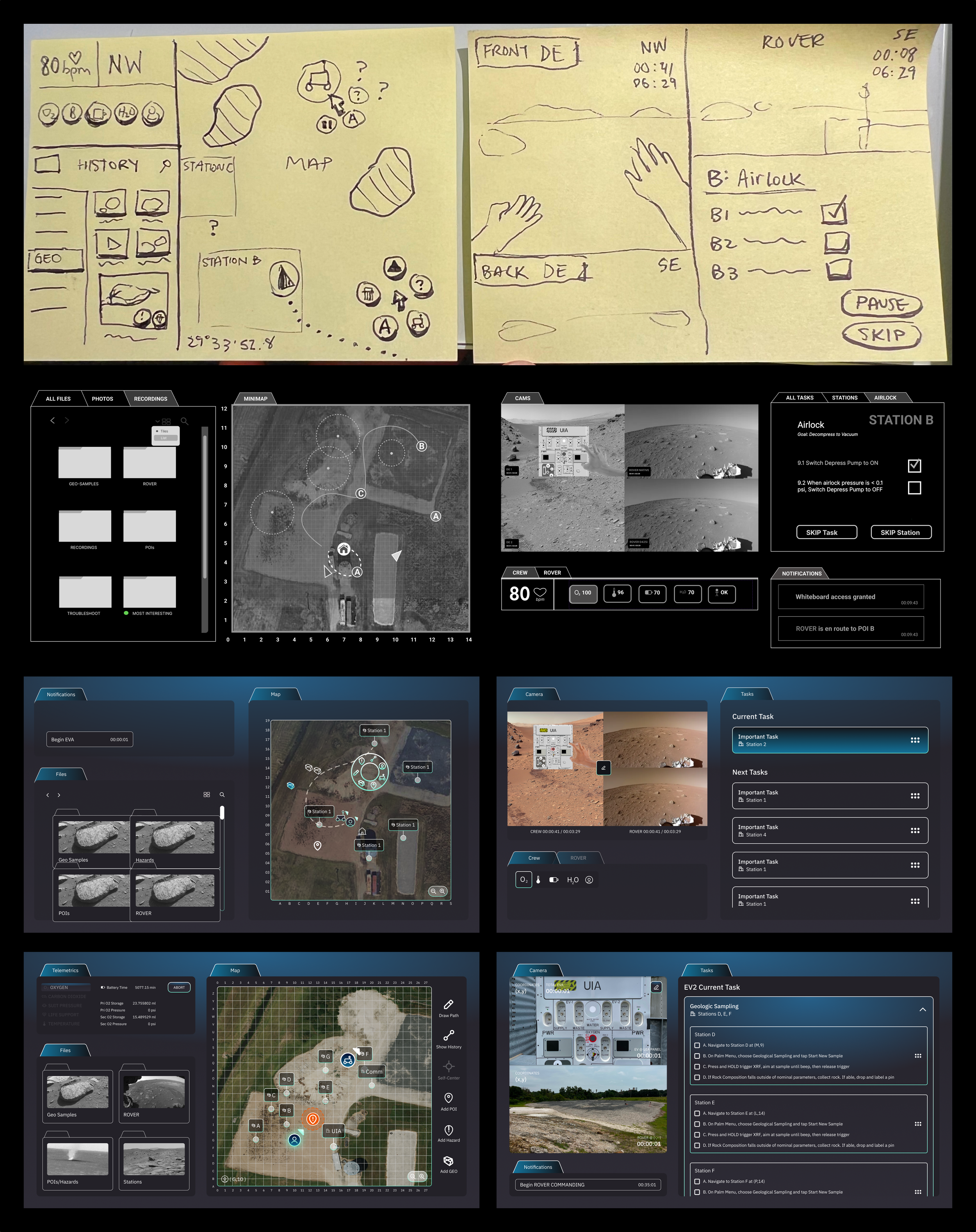
Credit: Linlin Yu, Elaine Zhang, Waverly Huang, Richard Cheng, Amy Ai
I led 15 designers on our brand and design system
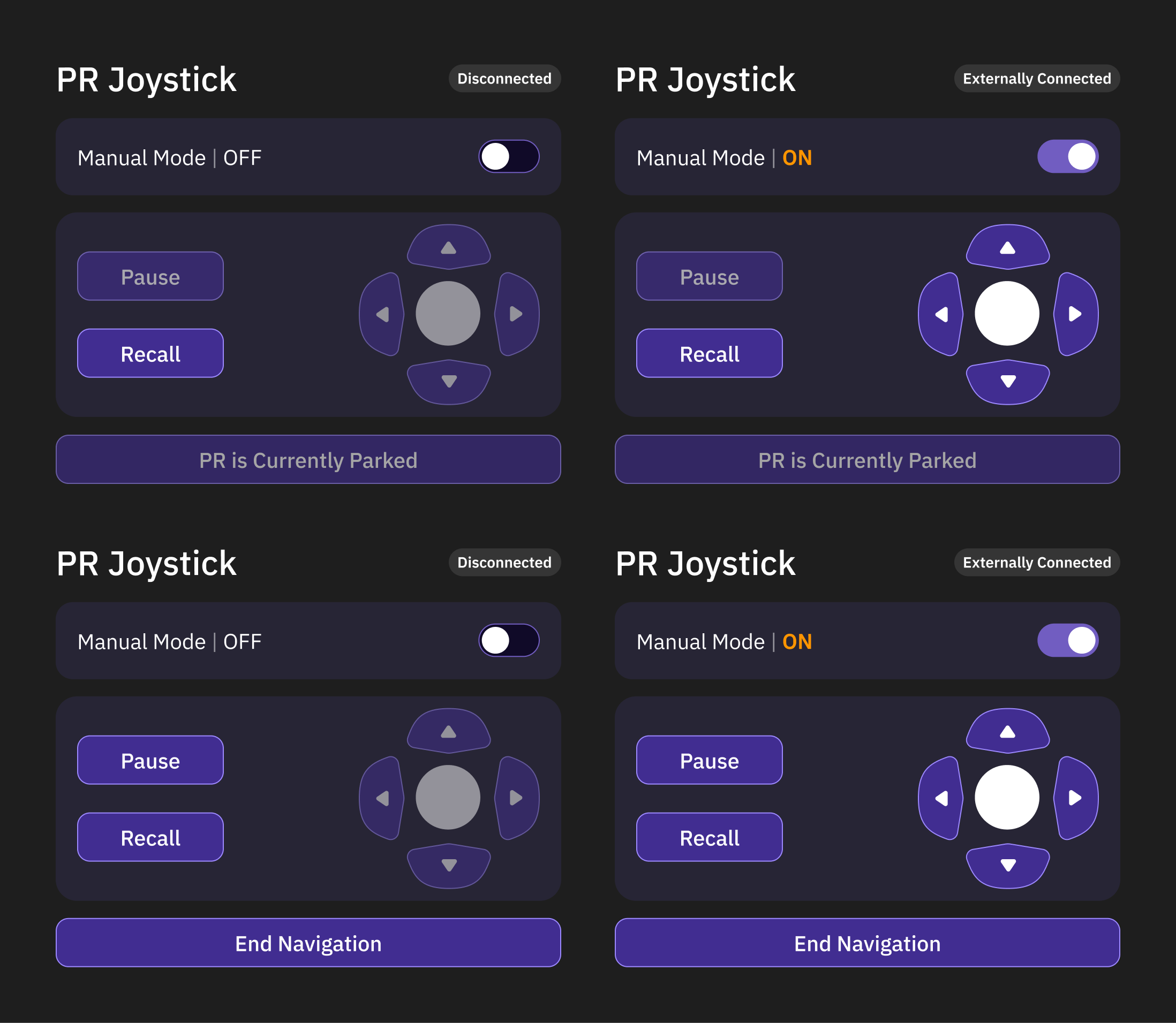
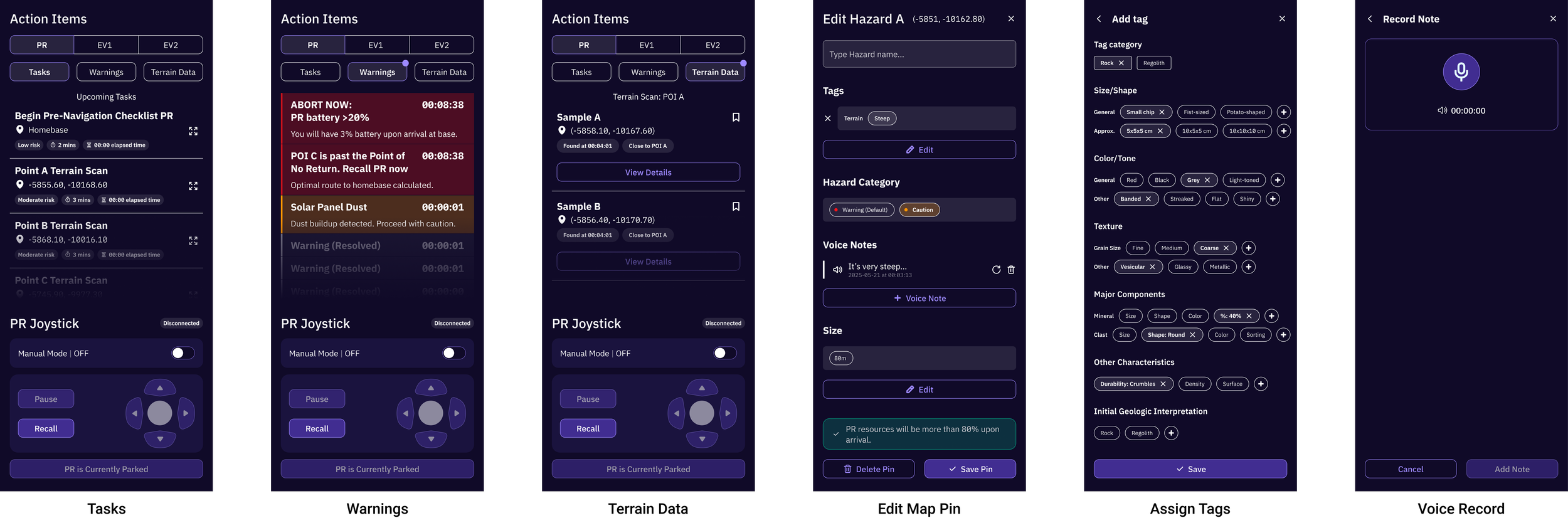
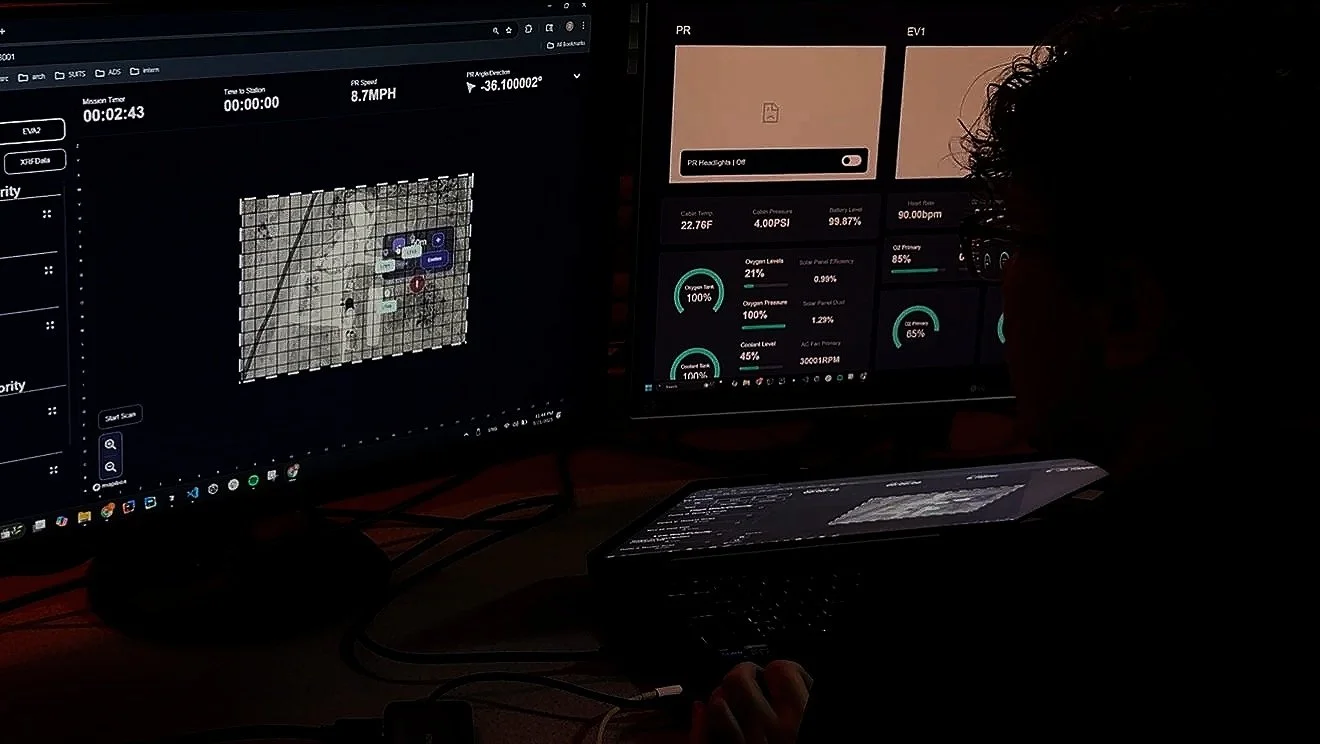
After two years of learning the ropes, I recruited and directed the overall design of our Pressurized Rover control center software.
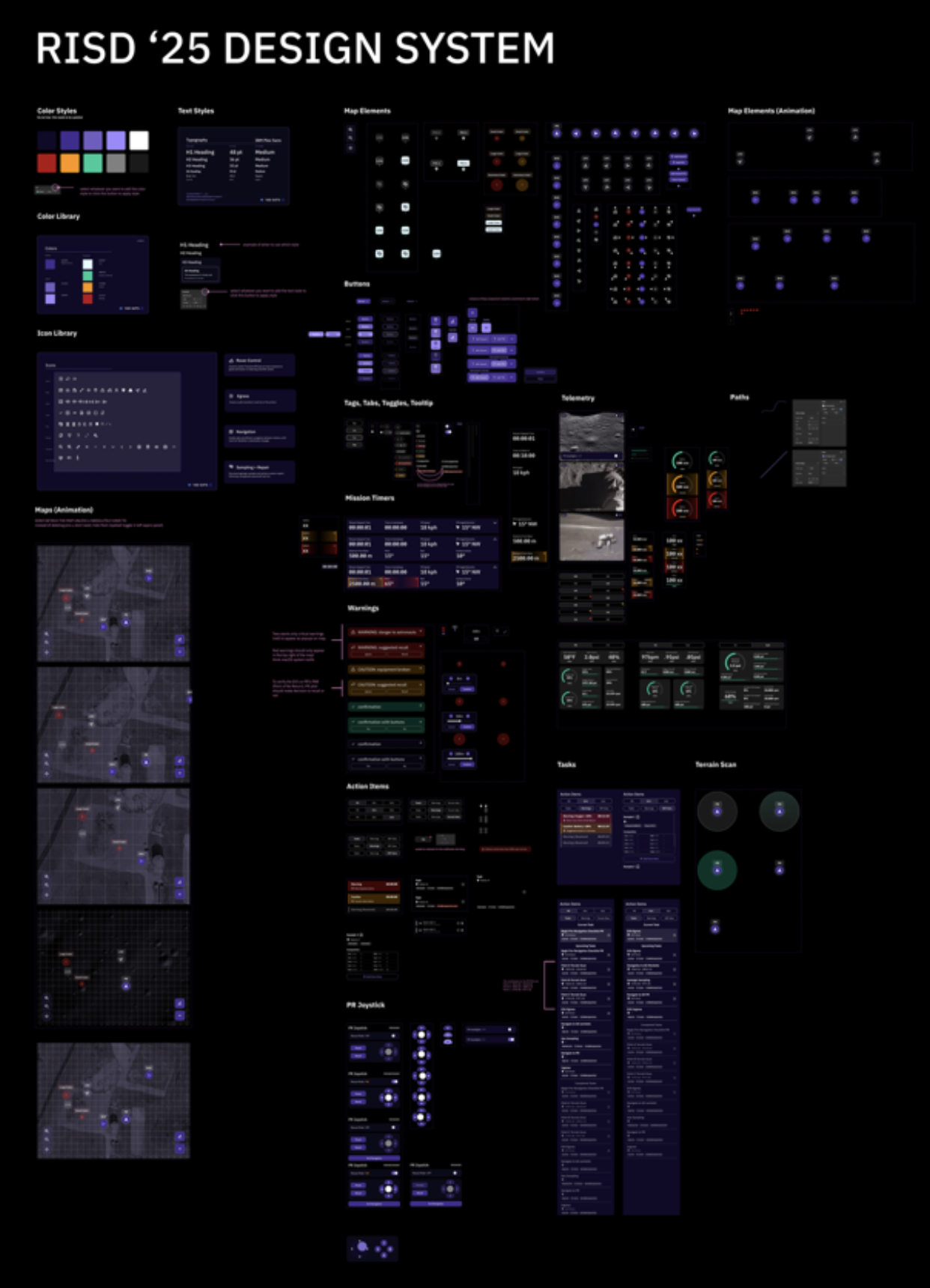
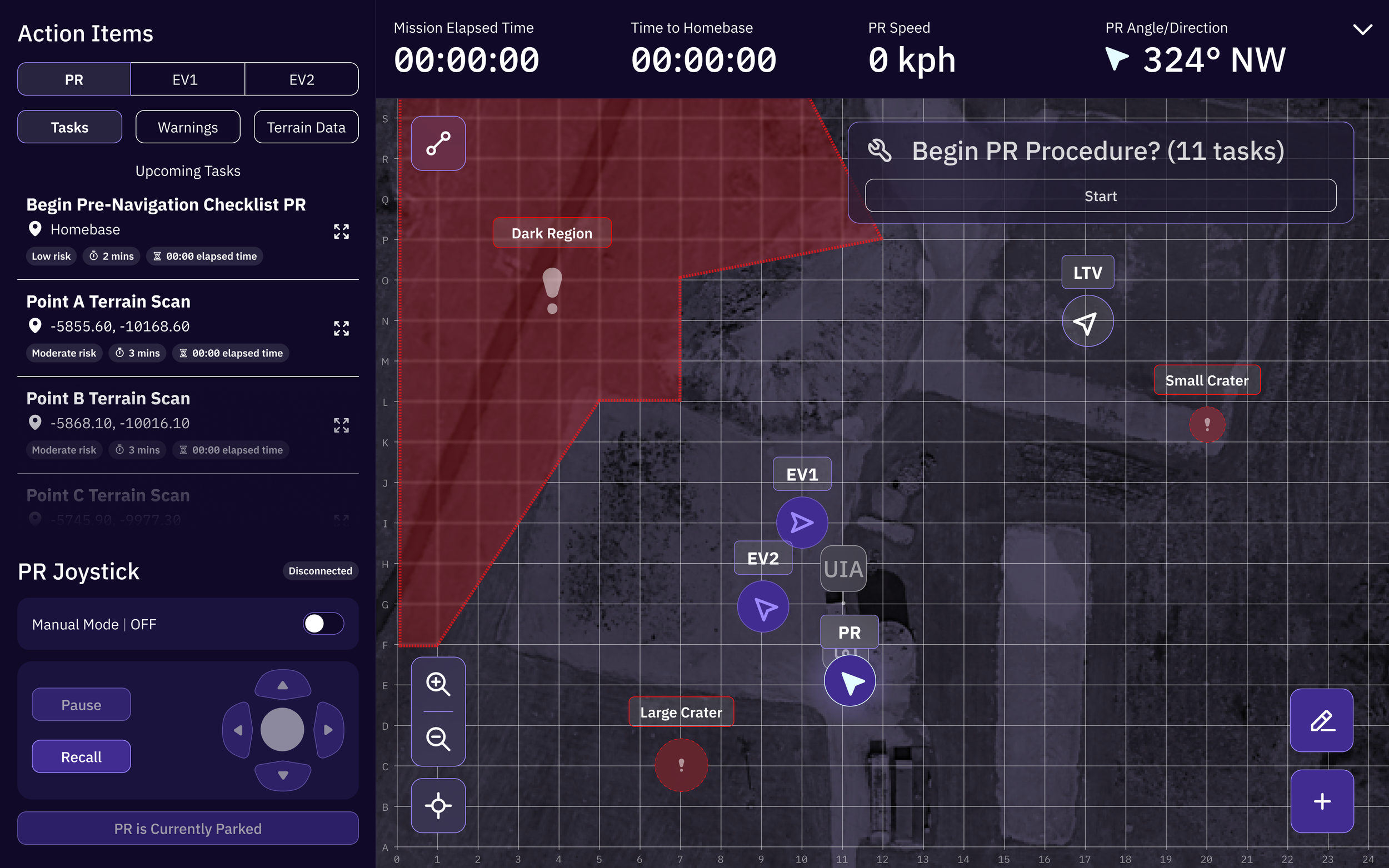
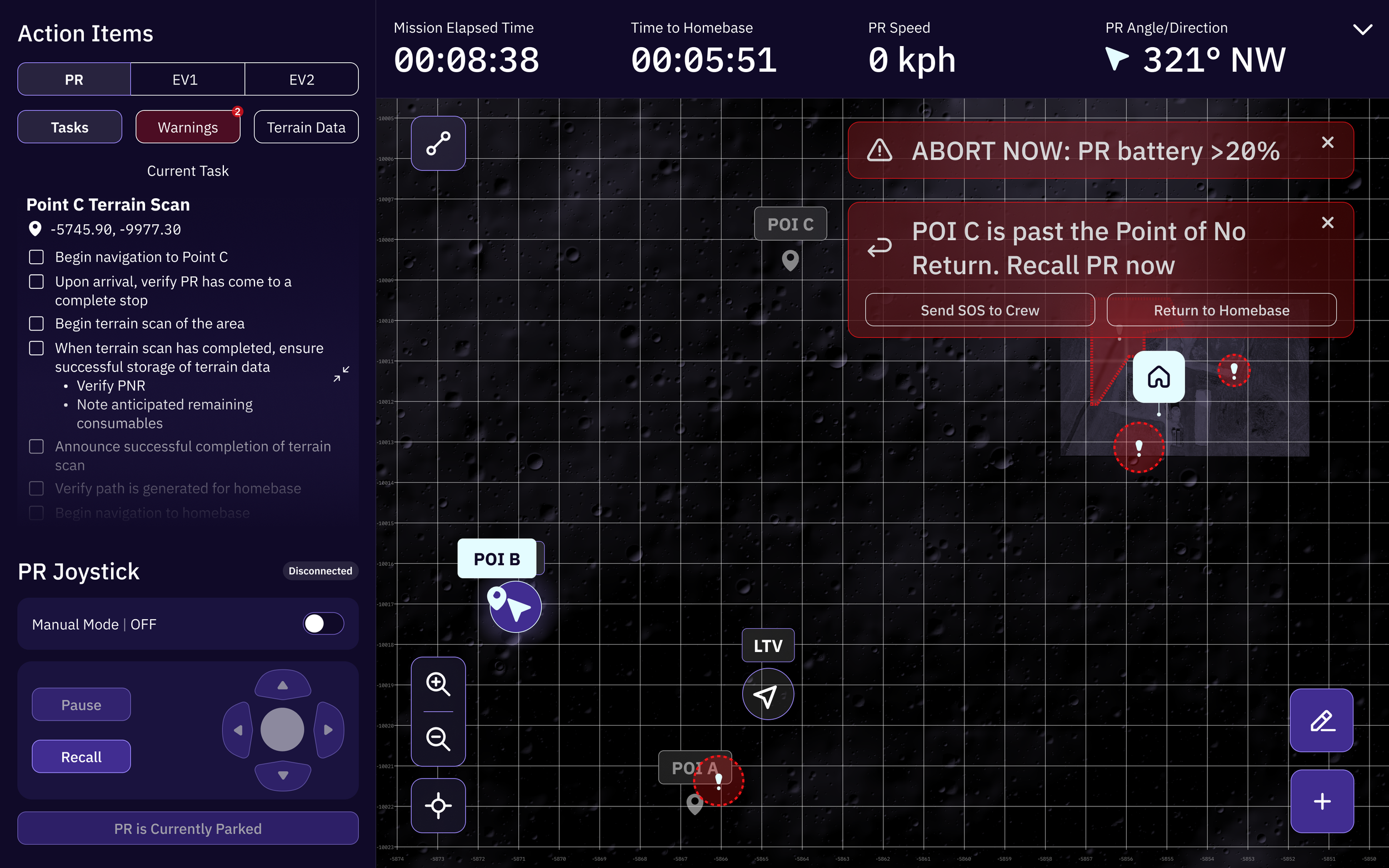
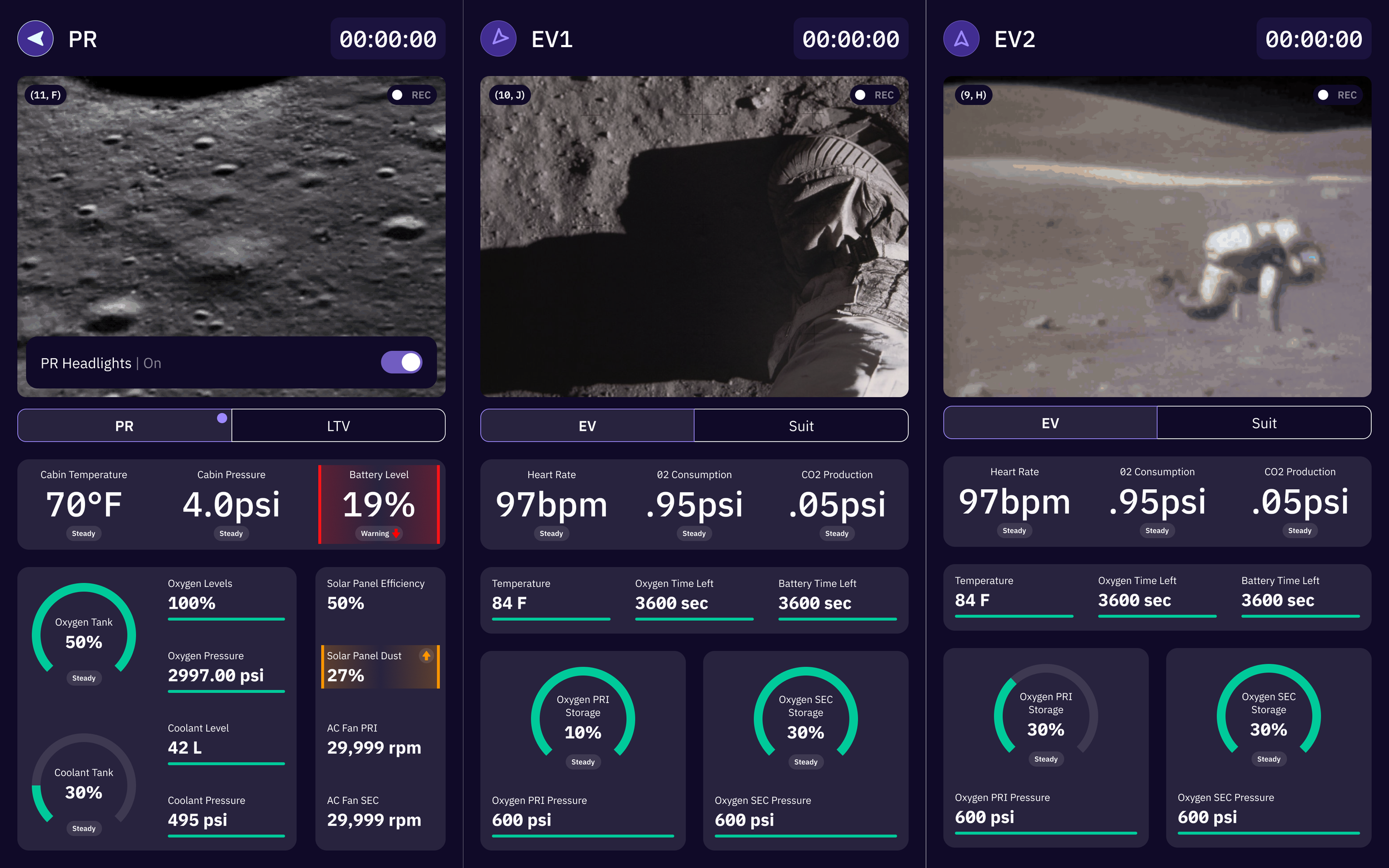
2024-2025
2023-2024
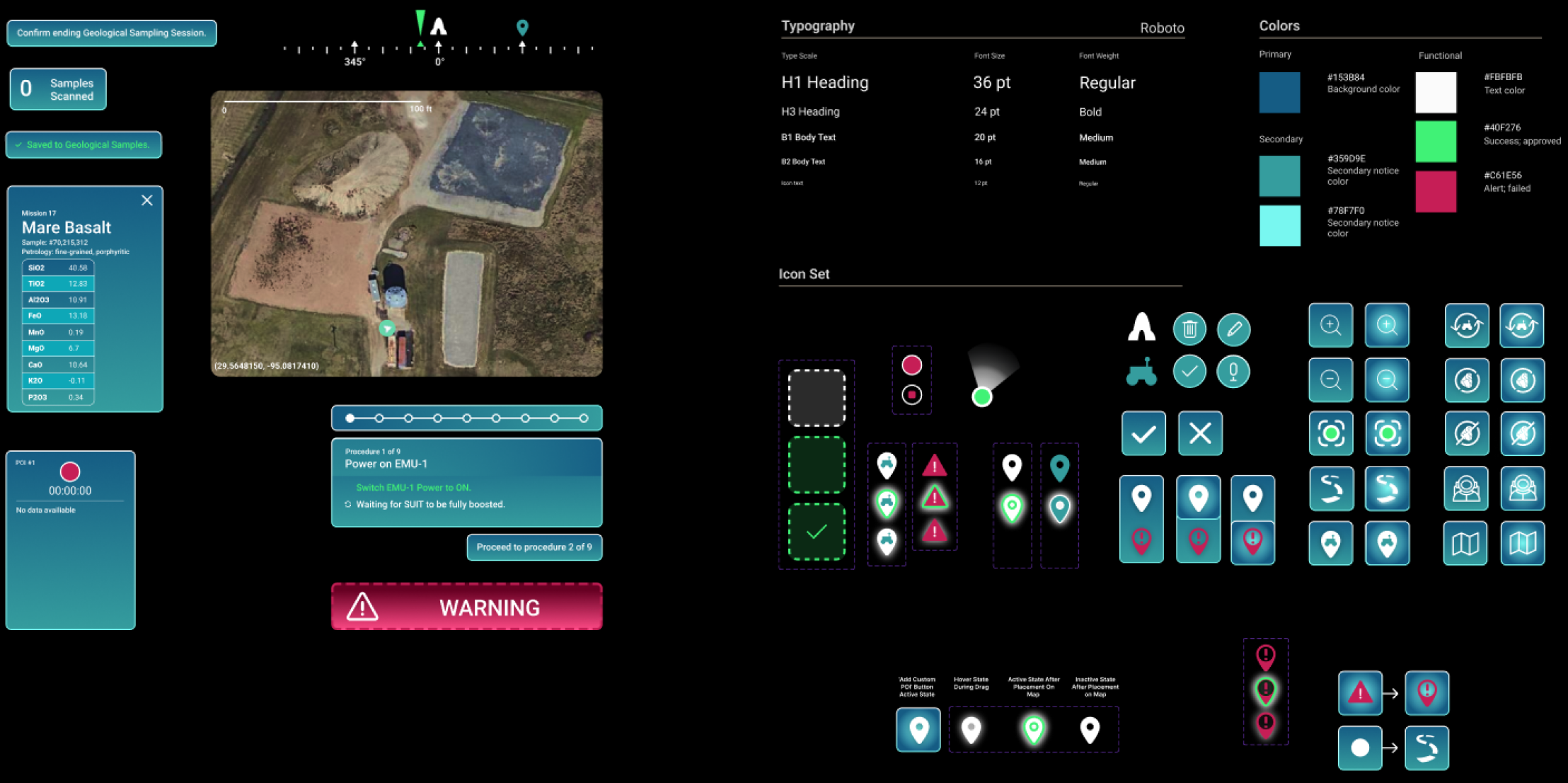
2022-2023
User Testing
06
“It’s very finnicky”
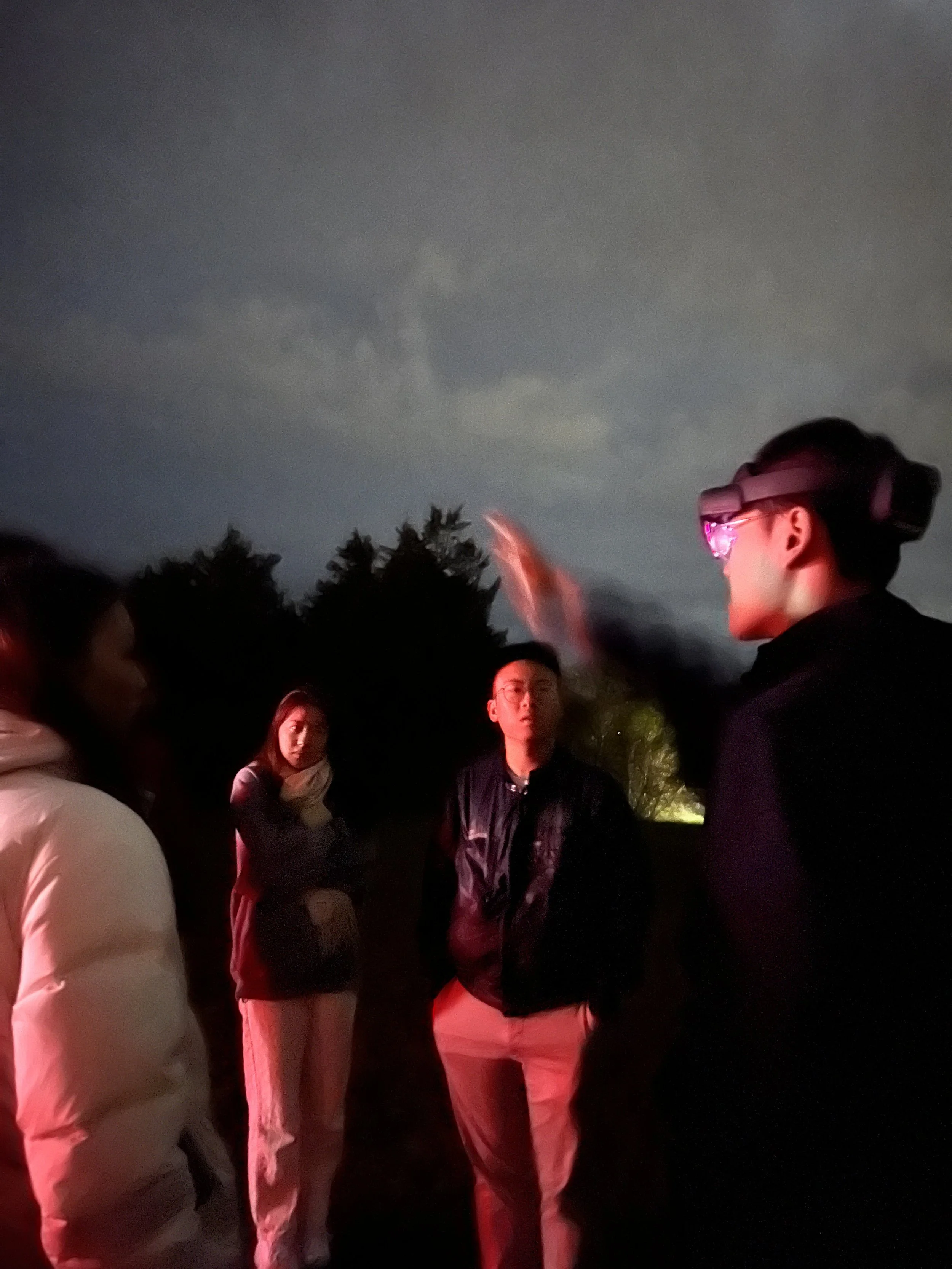
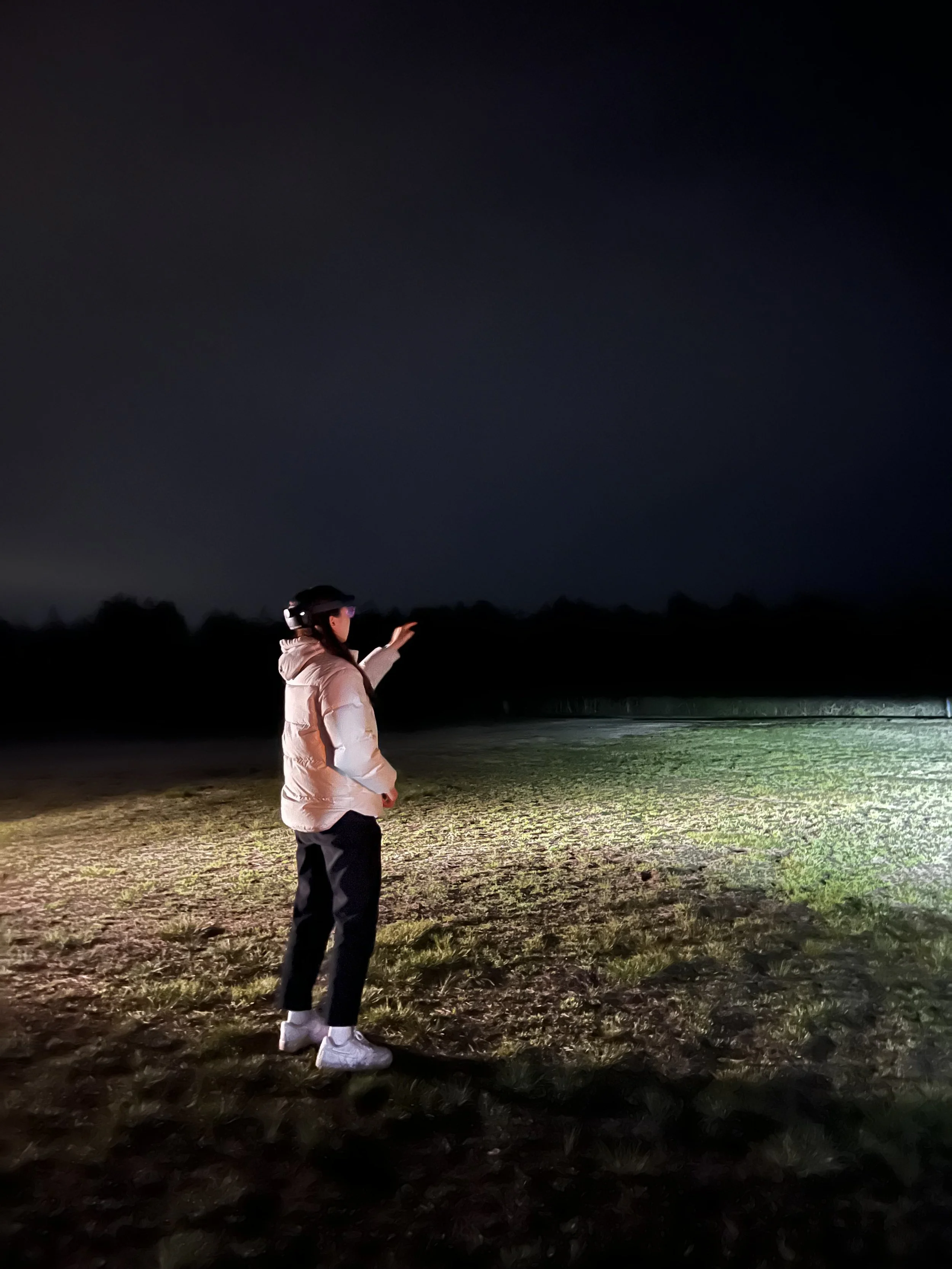
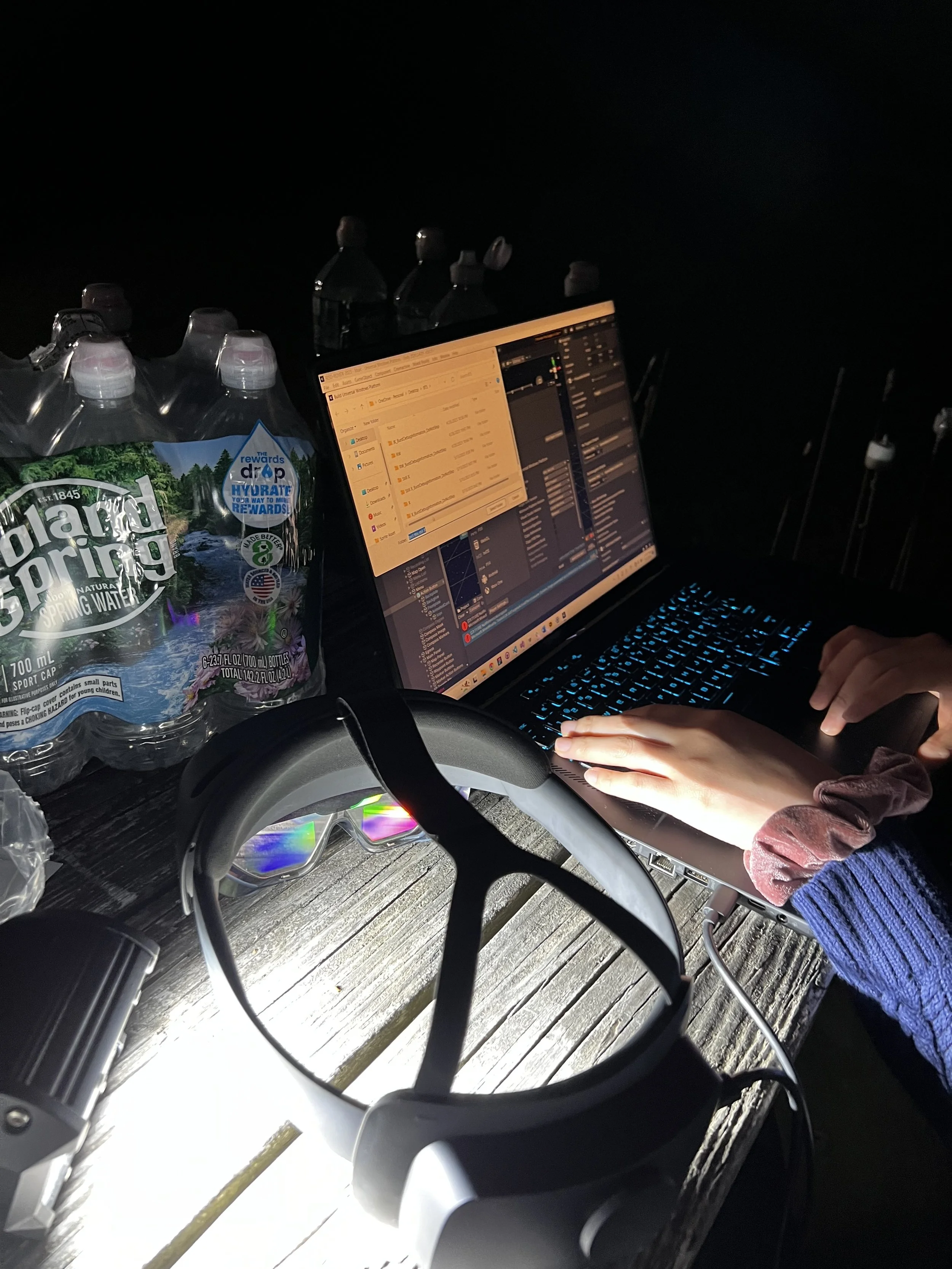
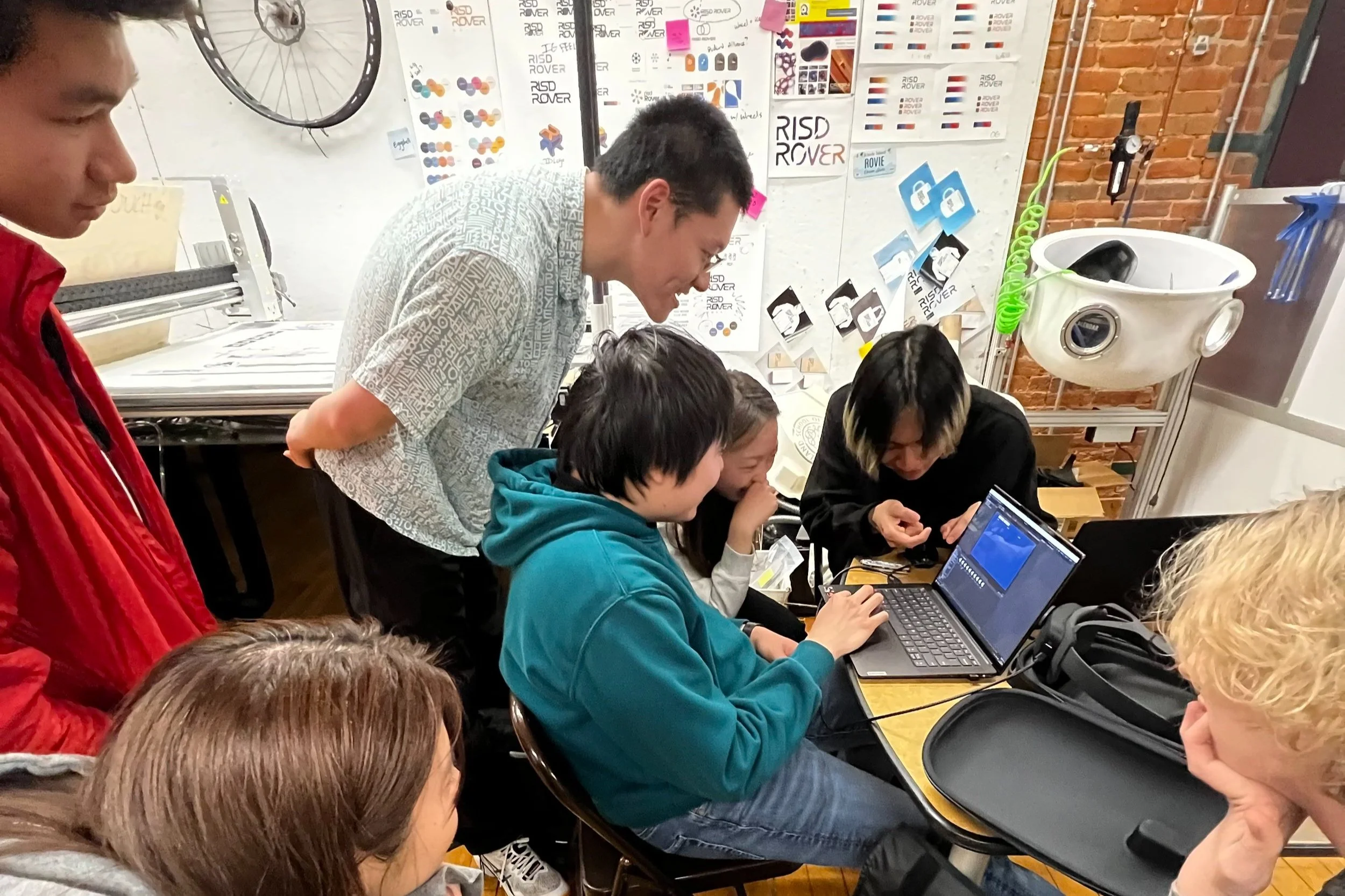
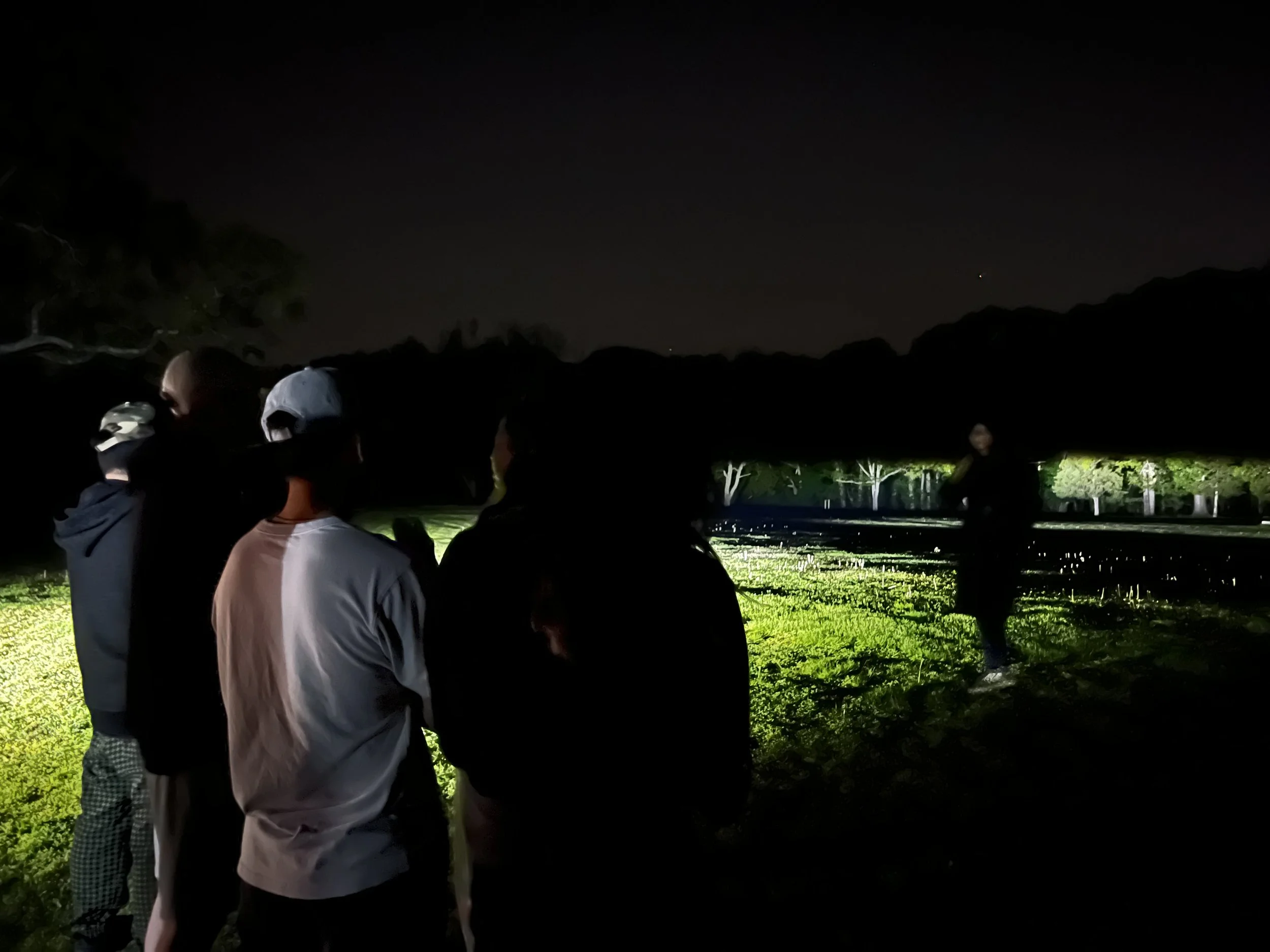
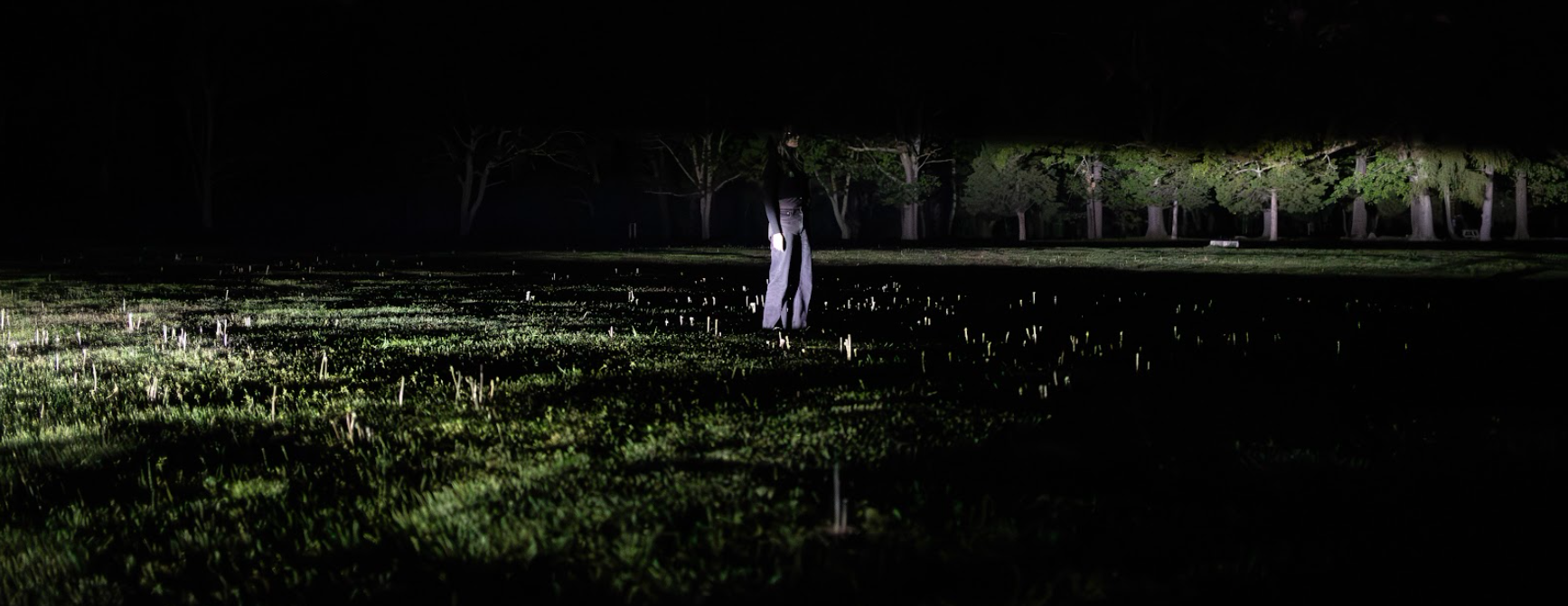
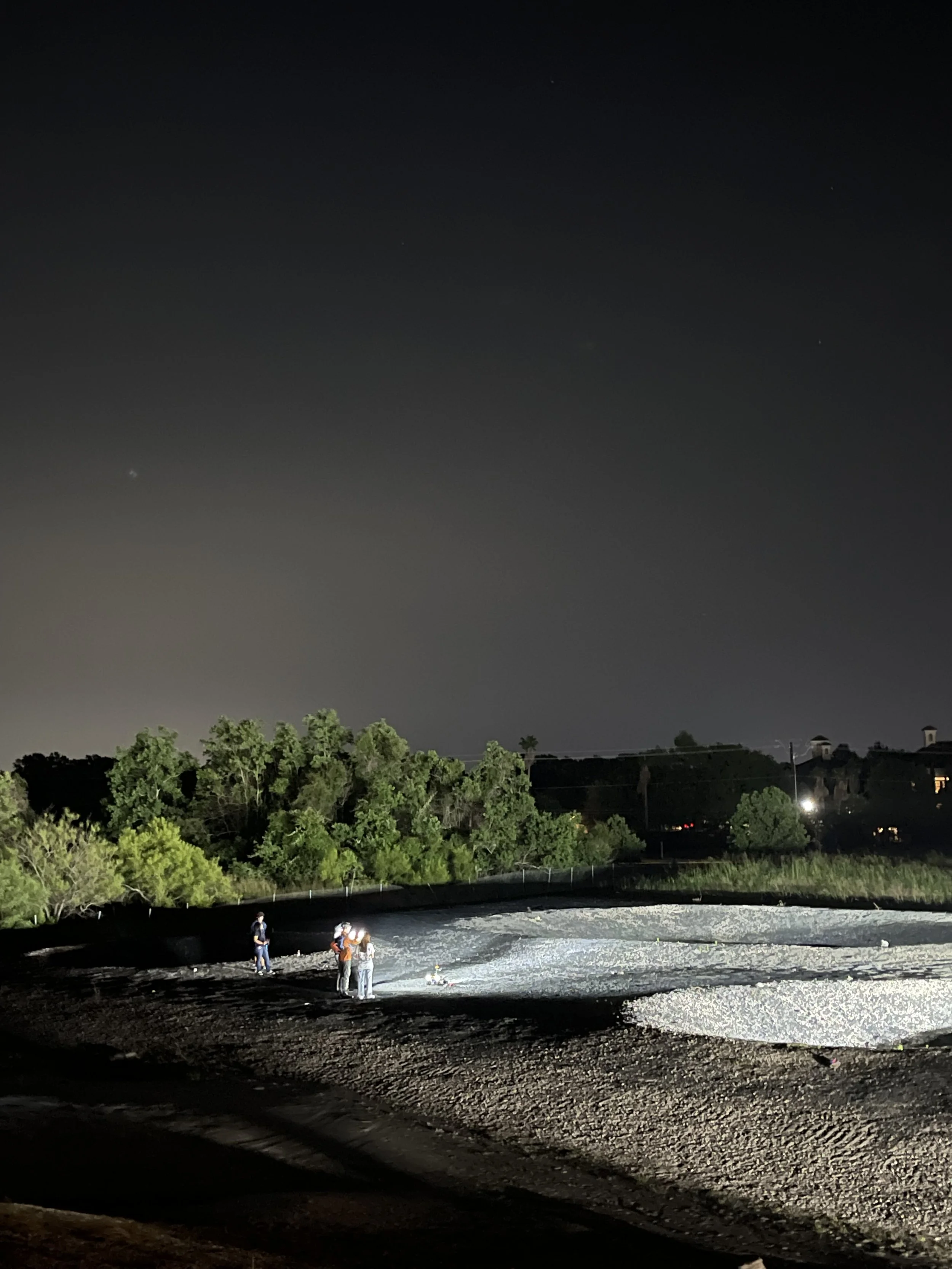
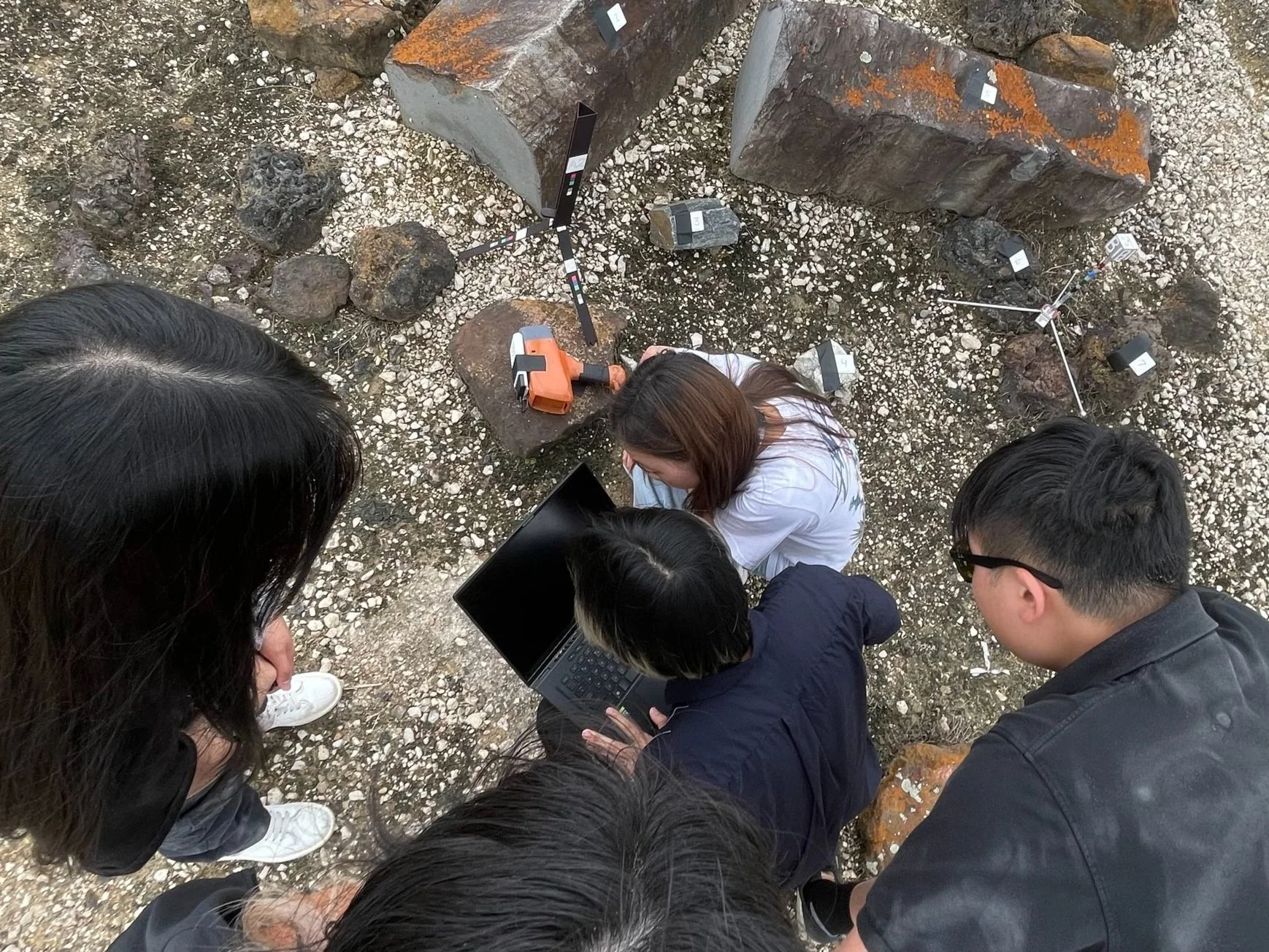
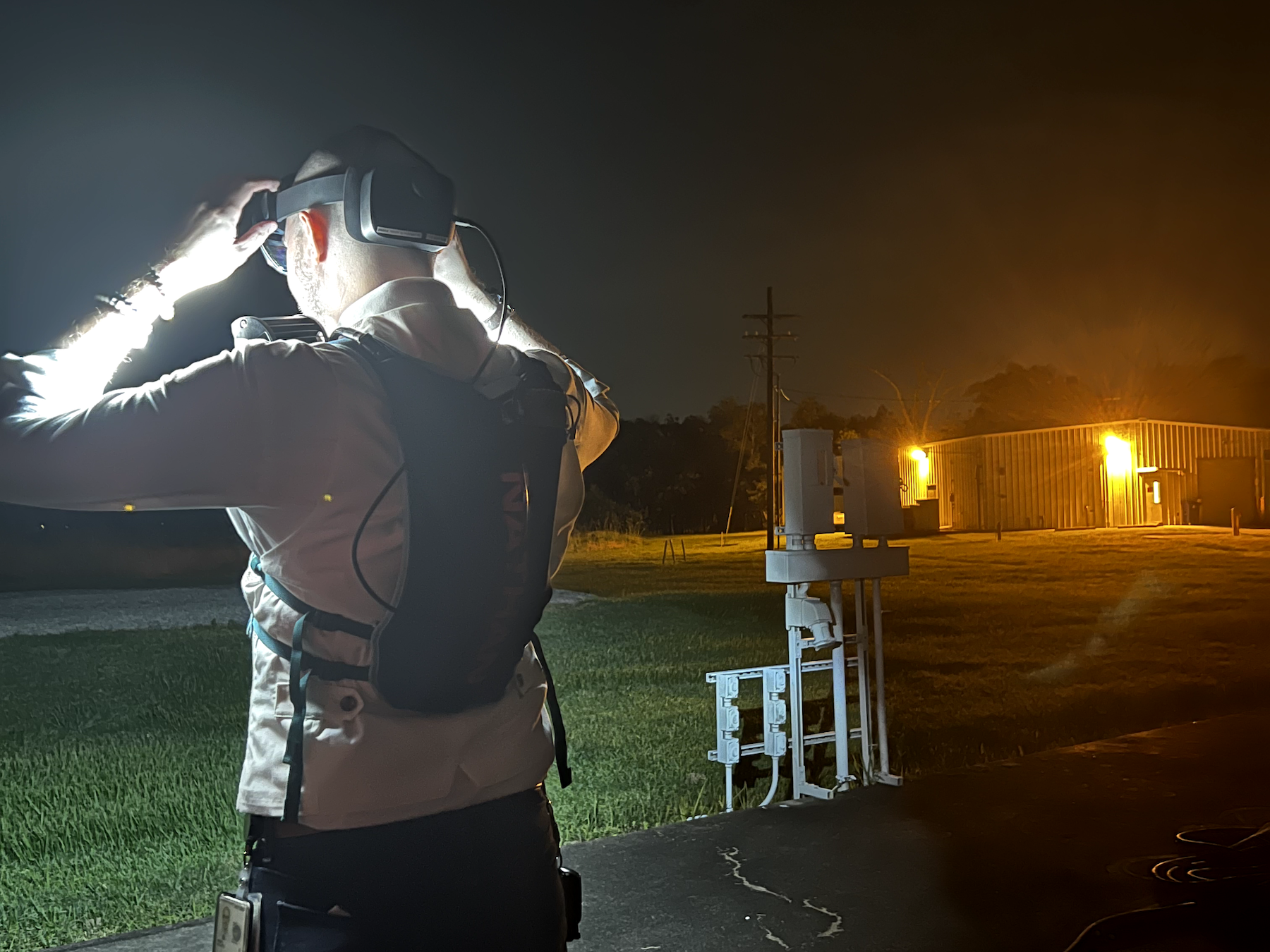
To extract errors in our design and code, we conducted in-environment testing called “Human-In-The-Loop (HITL)” at two local state parks to simulate the moon environment.
Credit: Photos taken by Linlin Yu
-
![]()
Testing color contrast & font size.
-
![]()
Mimicking the astronaut on uneven terrain.
-
![]()
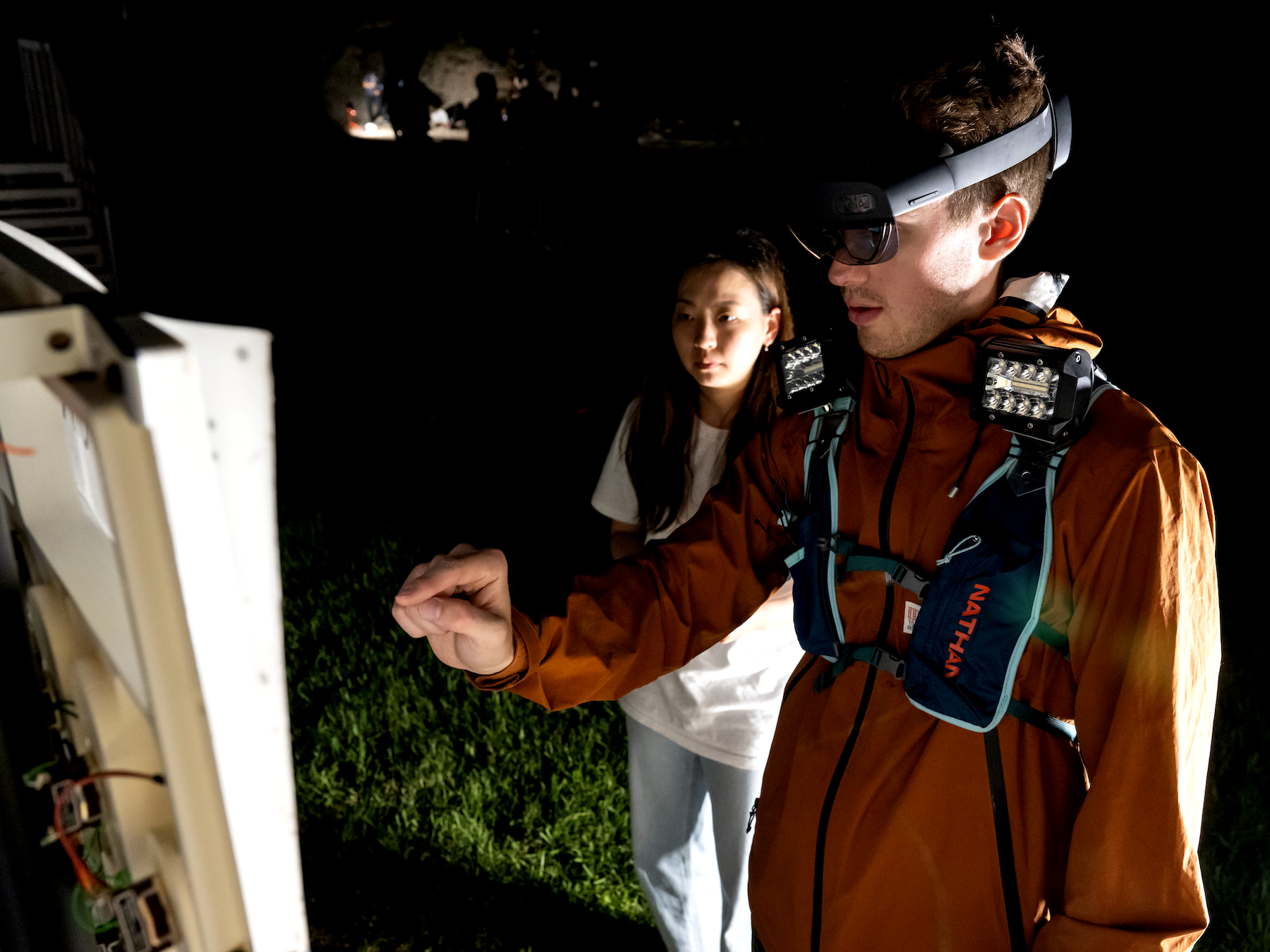
Both designers & developers making refinements after trying on the headset.
-
![]()
Going over errors in development.
-
![]()
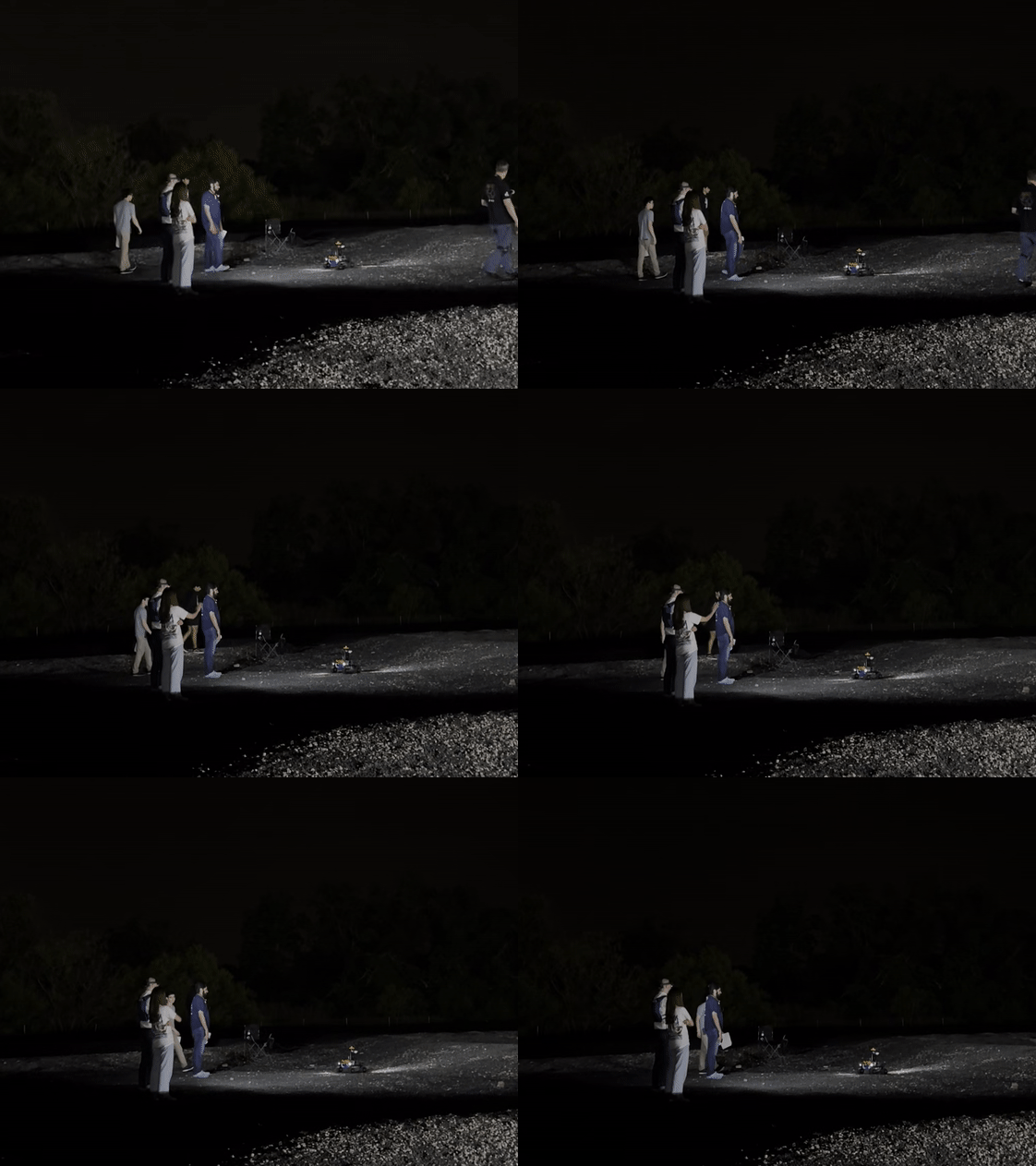
Testing in a pitch black environment with extreme light sources.
-
![]()
Using car headlights to provide harsh lighting.
“I wish there were backup options for when things fail”
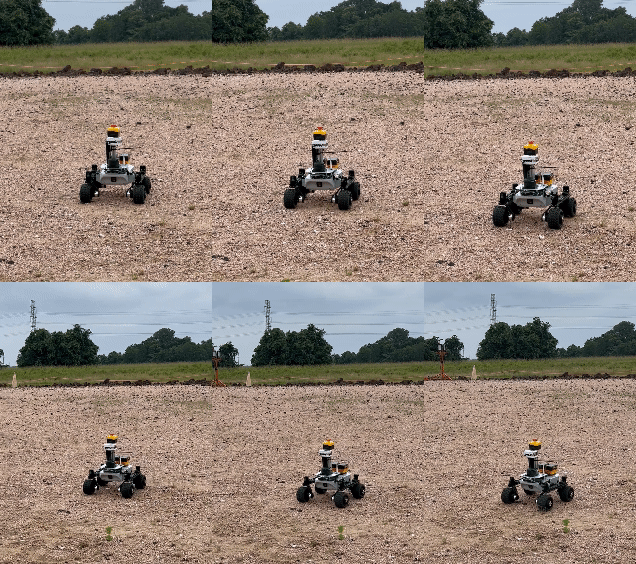
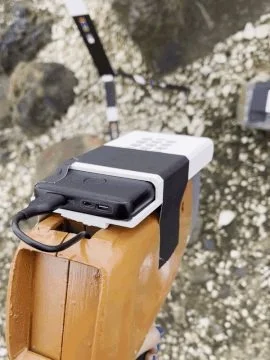
Each May my team and I were invited to Houston to test & present our design at Johnson Space Center.
Credit: Photos taken by Jessica Young, Michael Wang, Linlin Yu, and NASA
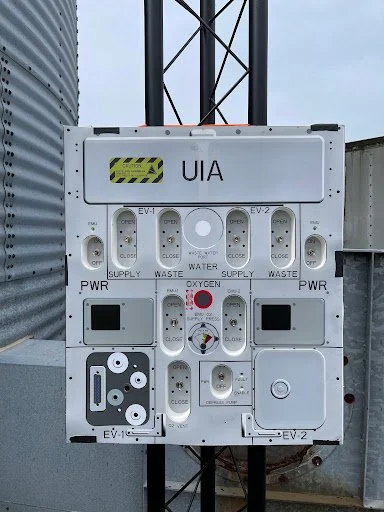
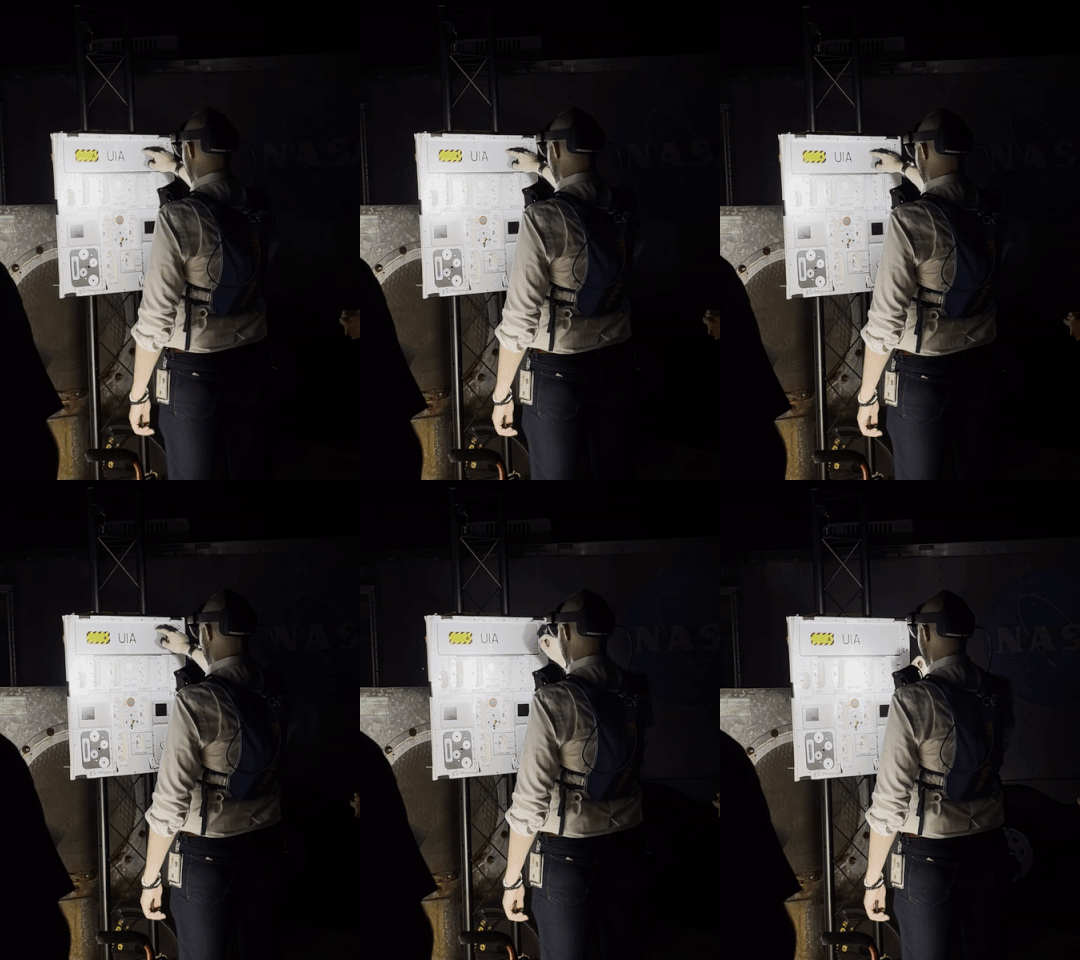
UIA panel
Rock scanner
Rover
-
![]()
TESTING
On-site testing was conducted at the JSC Rock Yard. Testing was sectioned into briefing, testing, & debriefing.
-
![]()
TESTING
Our design successfully loaded in the HoloLens! Team member Danielle Kim guides Skye Ray through the 1st procedure.
-
![]()
DEBRIEFING
Our pain points include lack of confirmation buttons, button and info differentiation, and backup options for vital actions.
-
![]()
BRIEFING
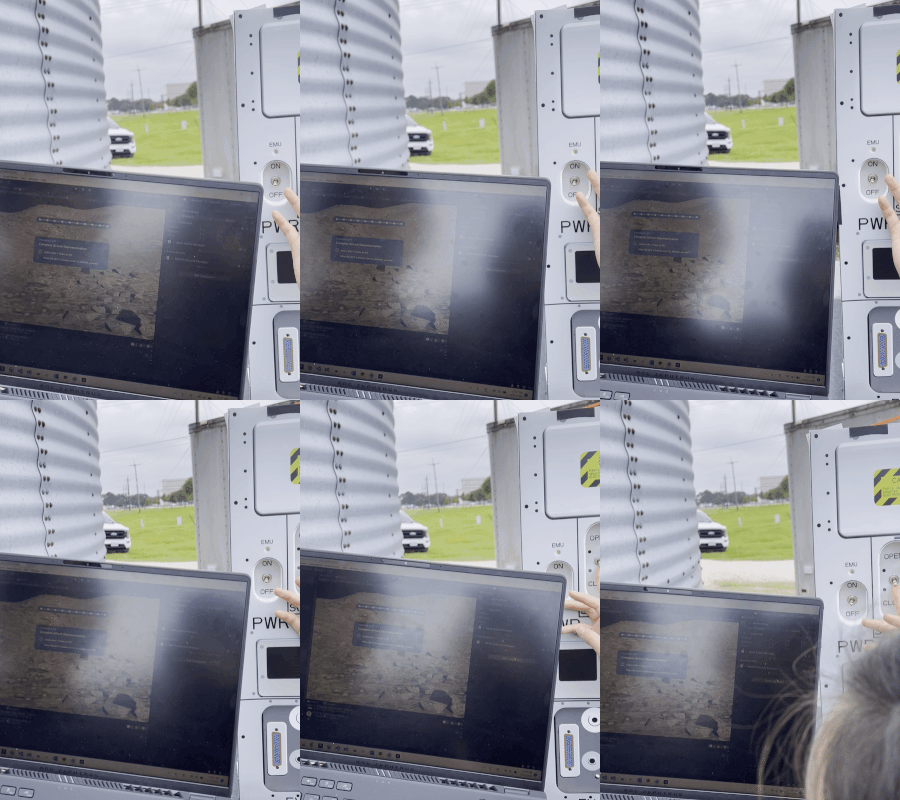
The developers connect to the telemetry stream to view live feedback in our design. When a switch is flipped we get a notif!
-
![]()
BRIEFING
As one of five participants in the 1-week marathon, I revamped the design and prepared our exit pitch to panelists.
-
![]()
BRIEFING
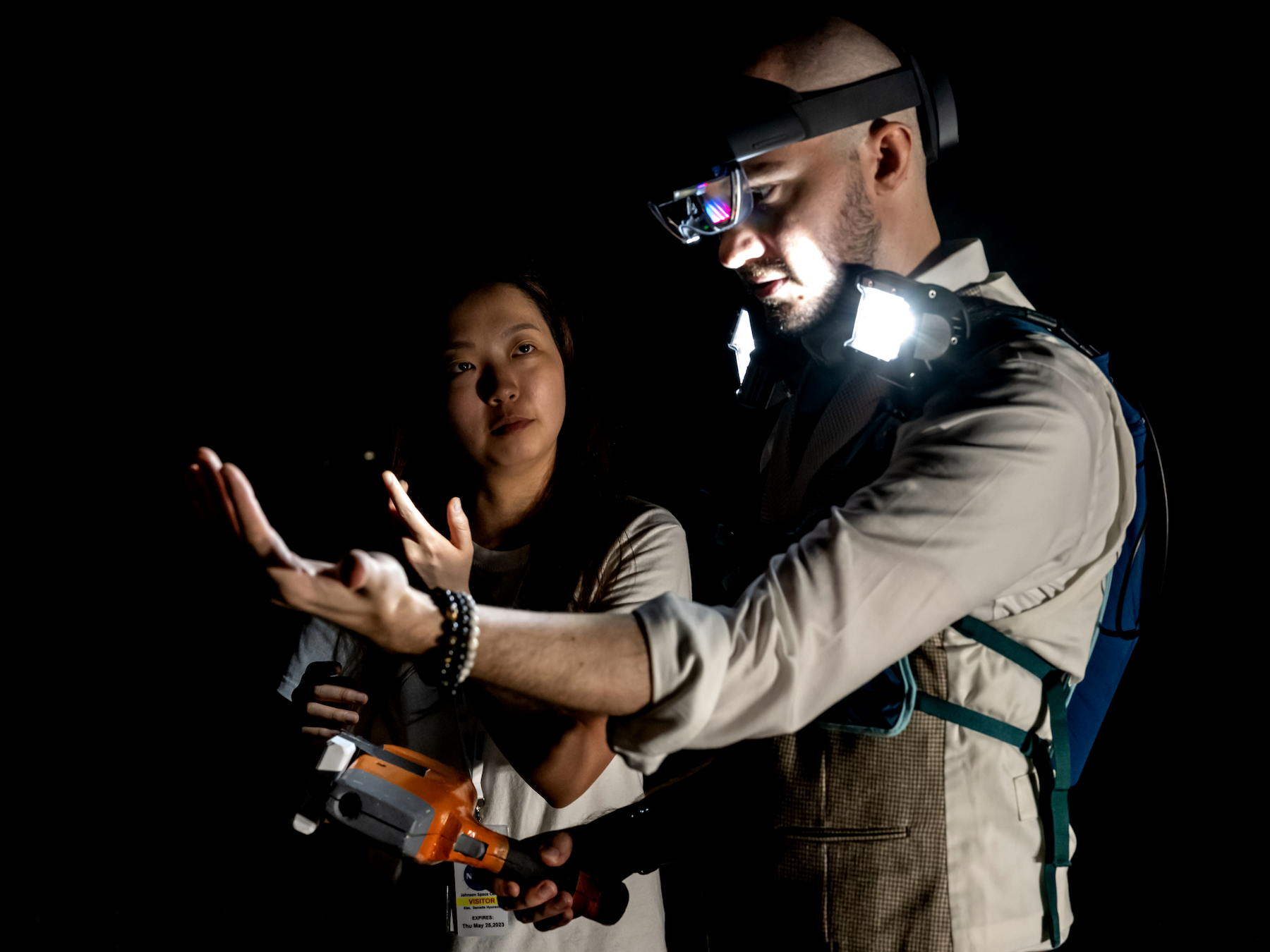
Kelly Mann is equipped with our high-beam lights, a piece of handmade hardware that assists the user during testing.
-
![]()
BRIEFING
Team member Danielle Kim teaches evaluator Kelly Mann the action that corresponds to our palm menu feature.
Final Prototypes
07
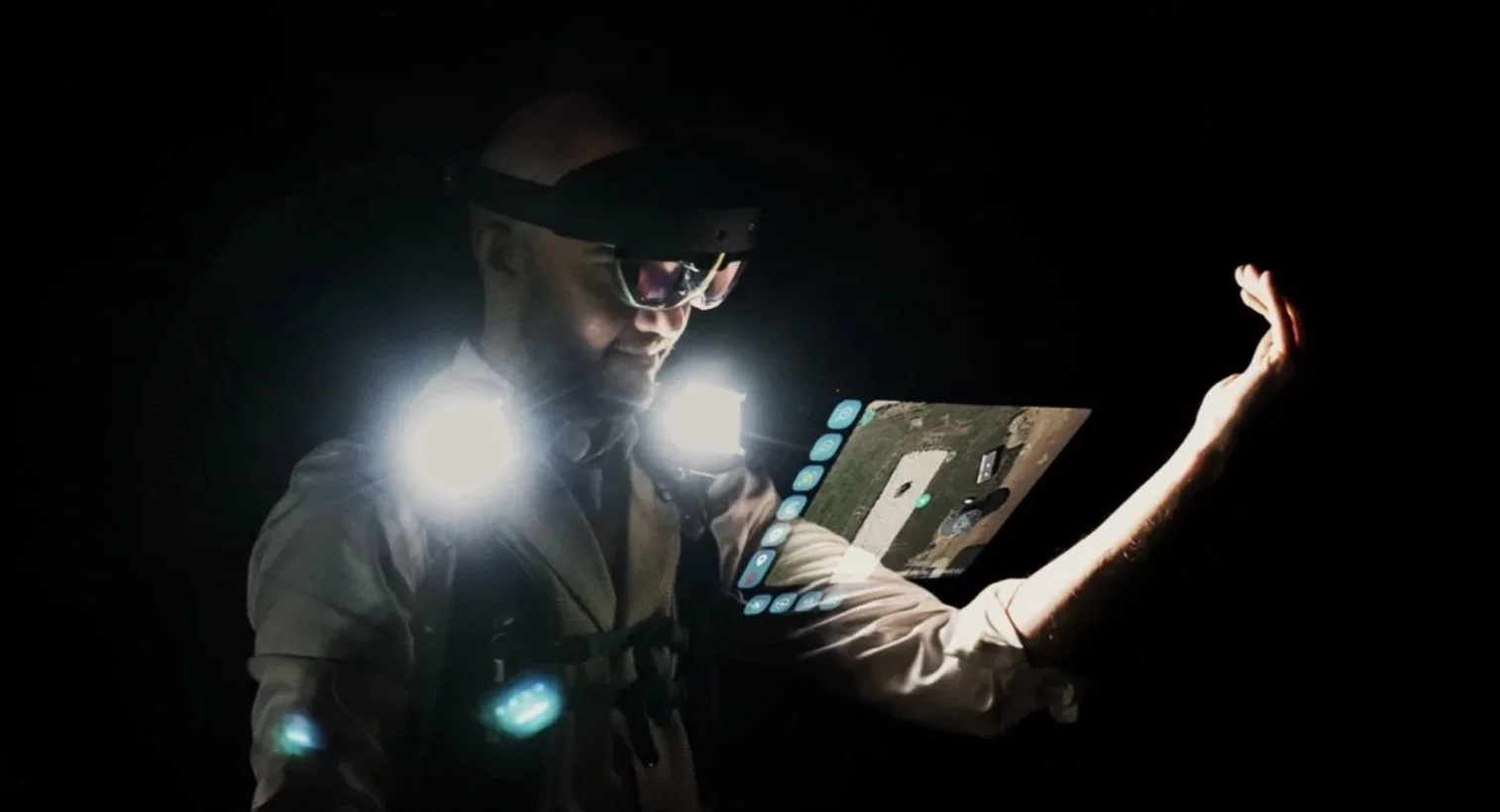
Menu
✦ View shortcuts and tasks at hand
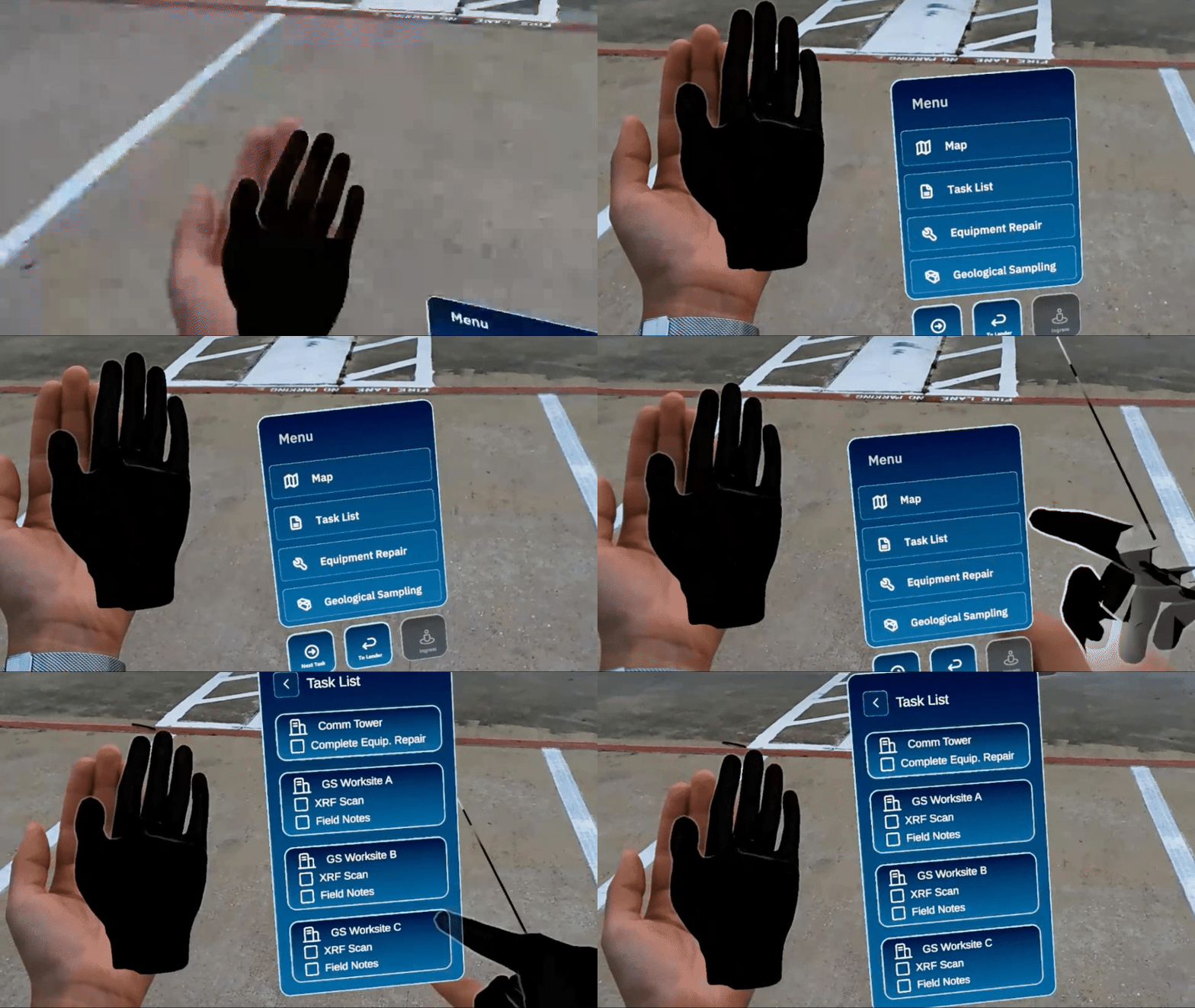
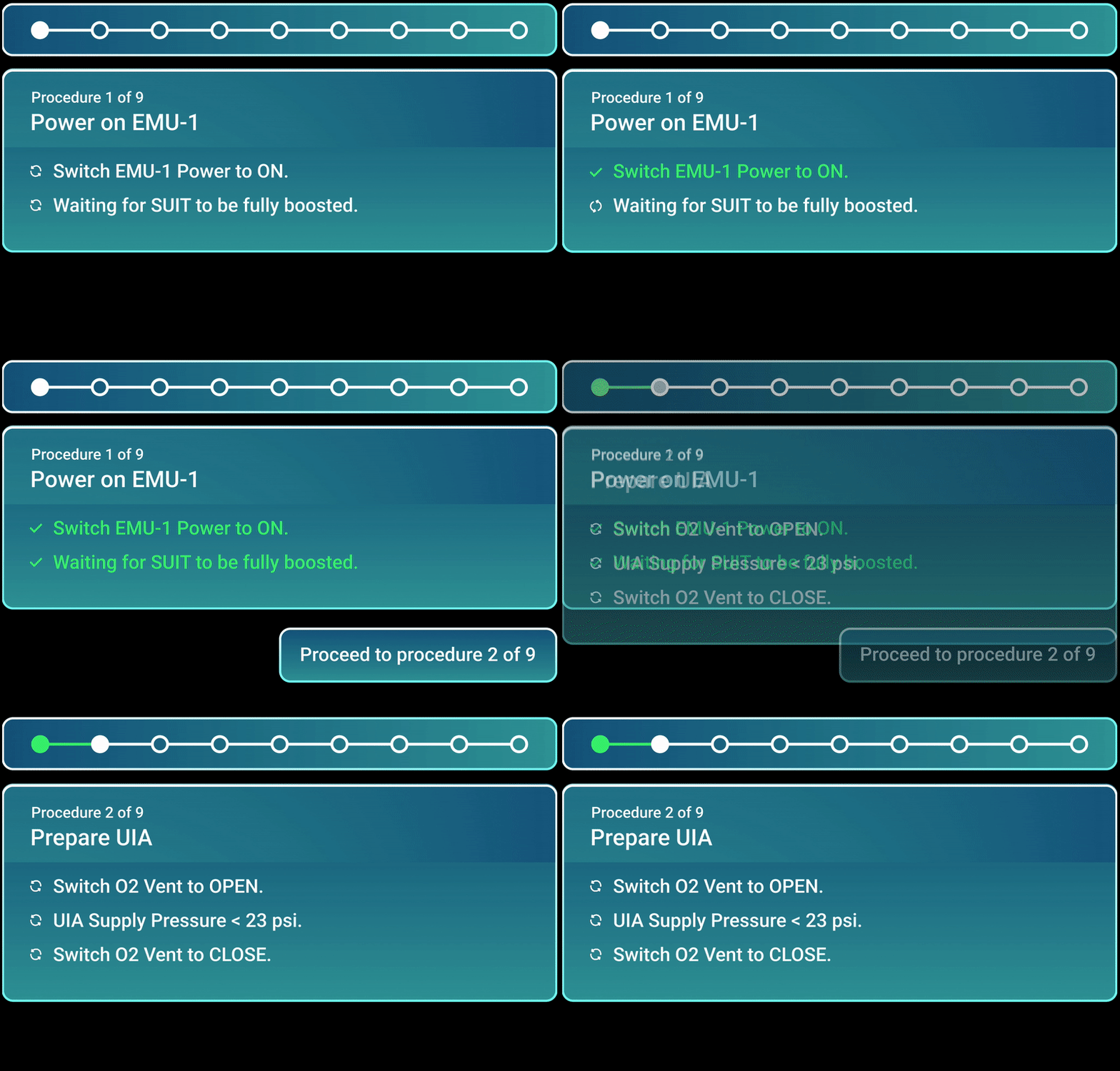
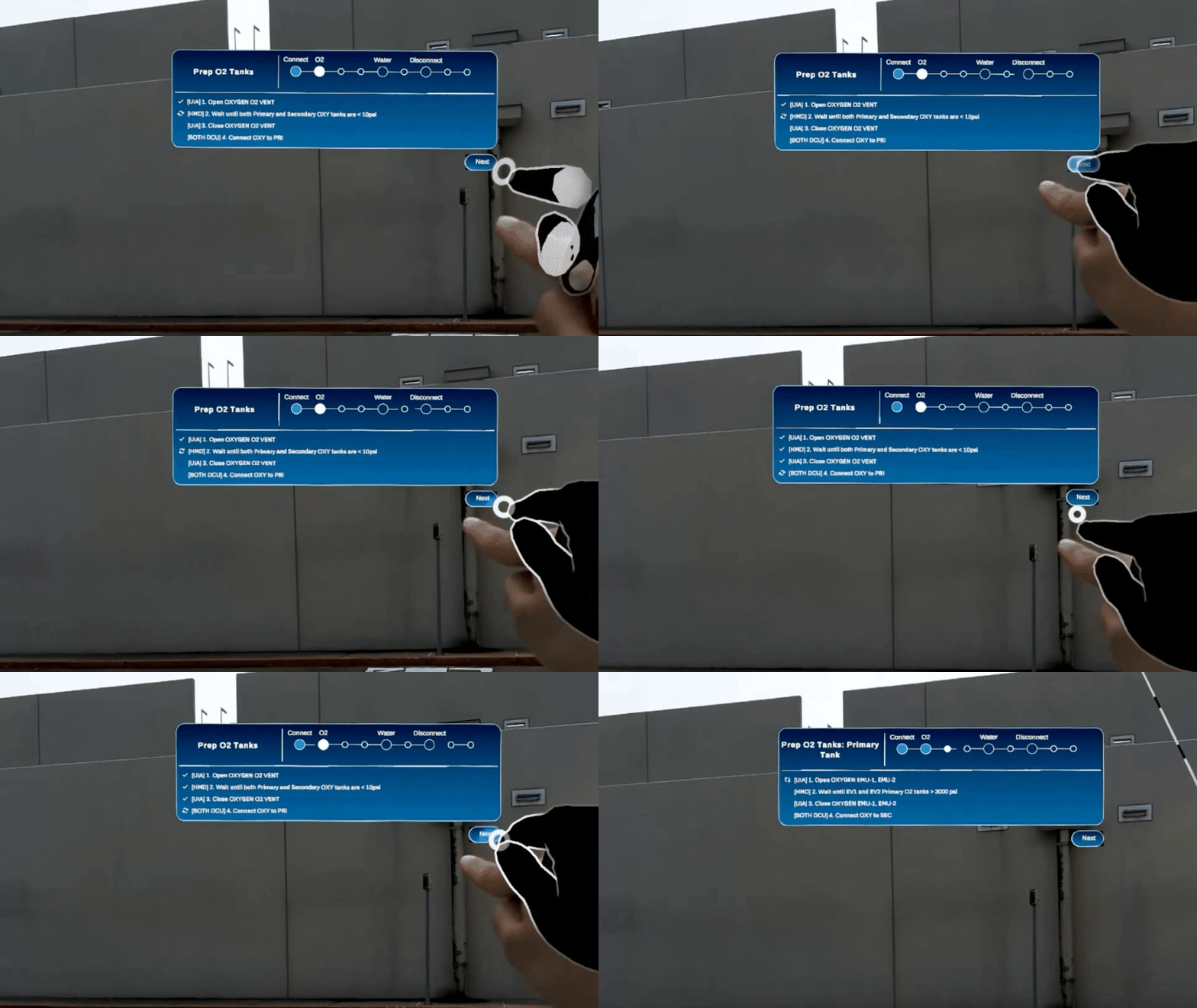
Egress
✦ Tasks are auto-checked off once the switch is flipped
✦ Before proceeding to the next set of tasks, the user or ROVER must give a confirmation
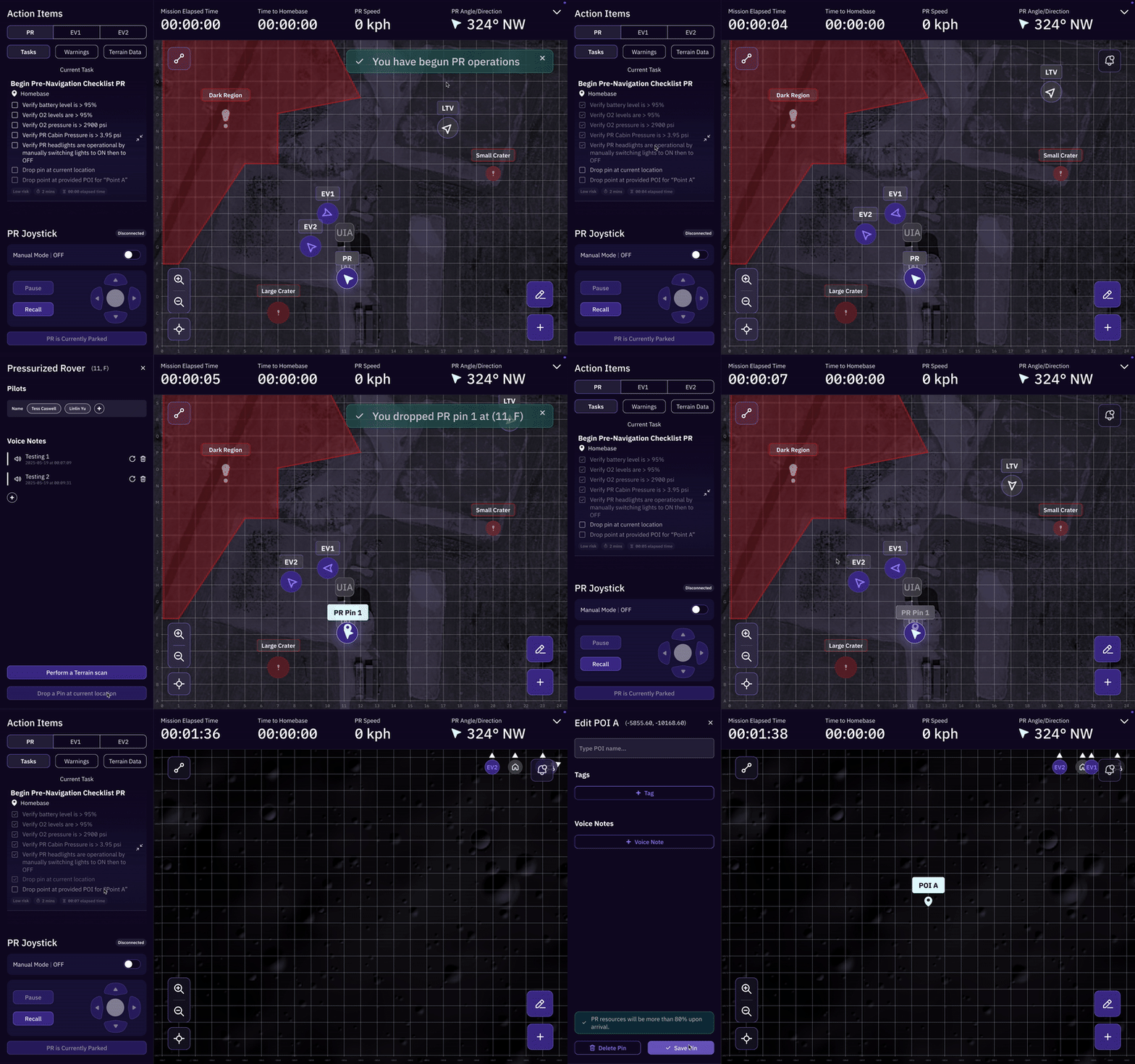
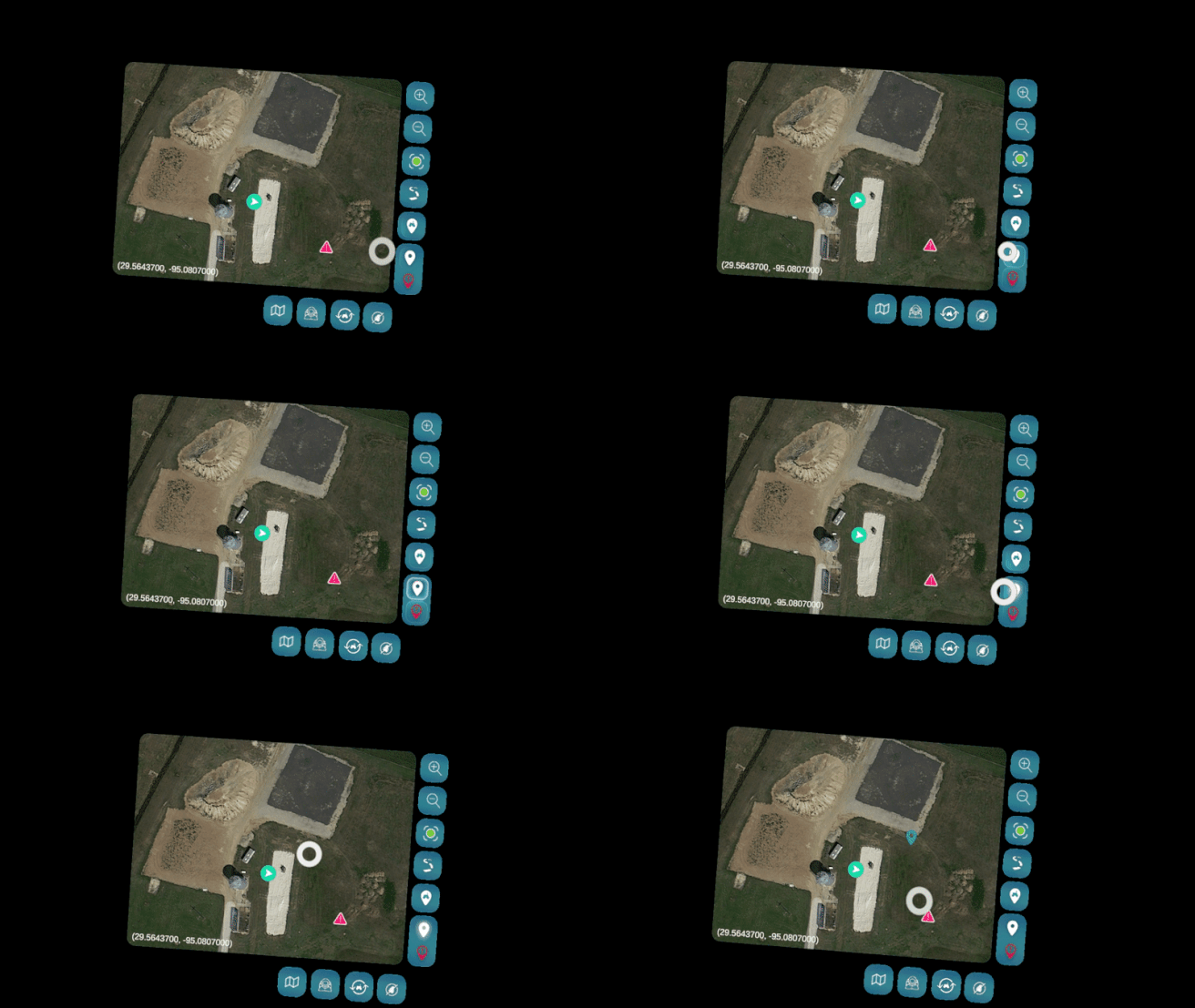
Nav
✦ View all live assets
✦ Place a waypoint or hazard on the map
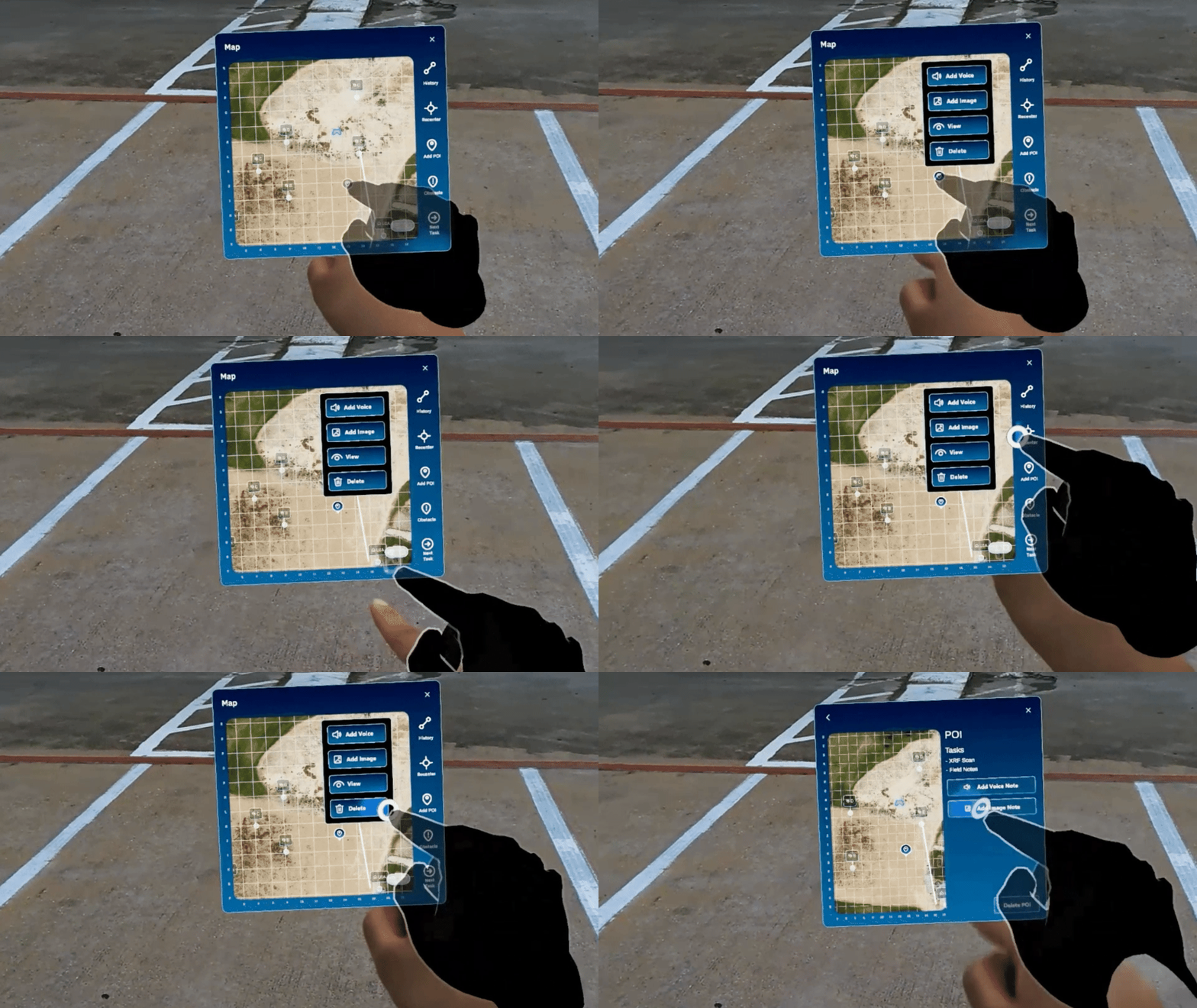
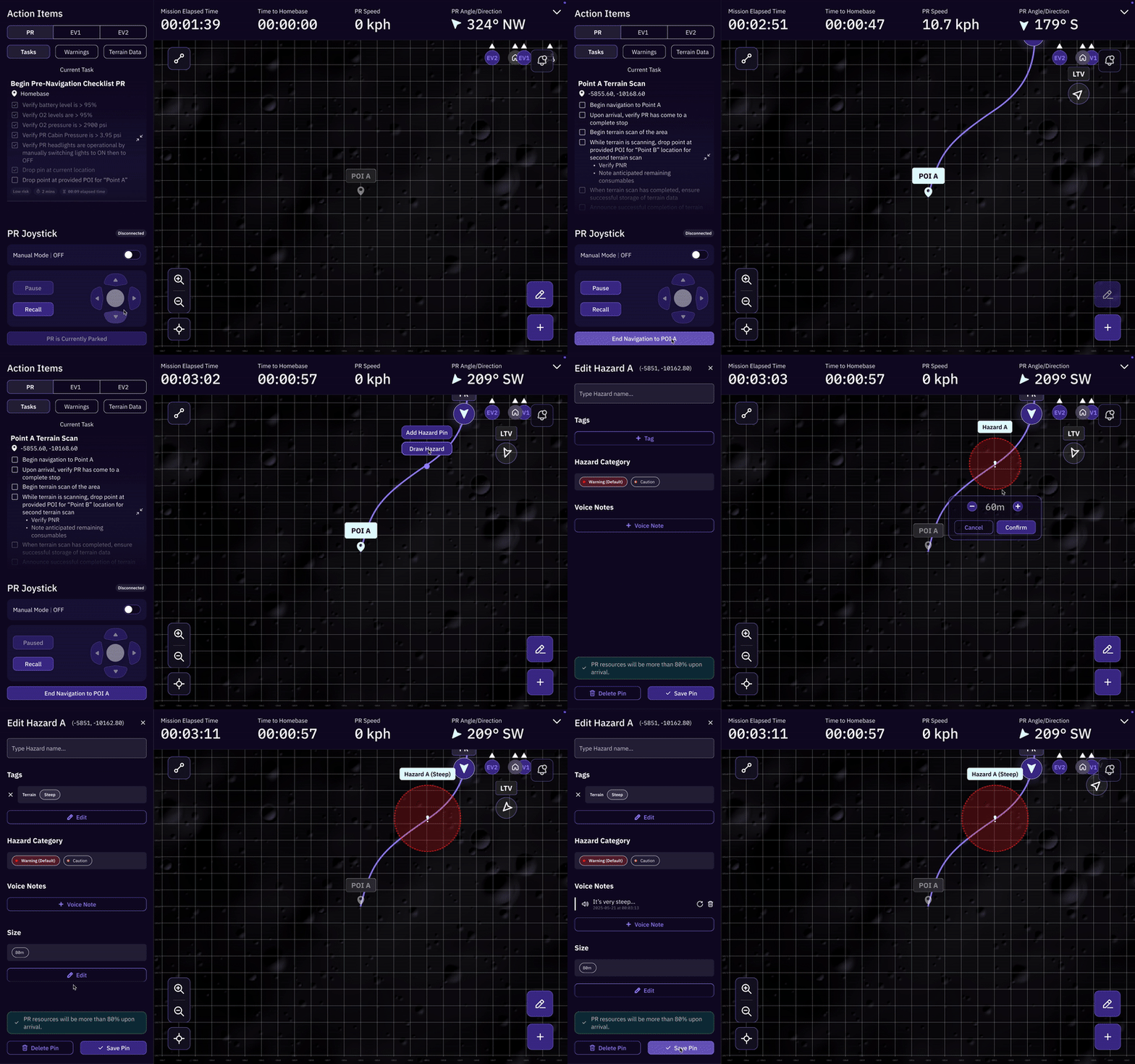
LTV
✦ Drop a point of interest on the map to move the LTV
✦ Call back vehicle on the menu
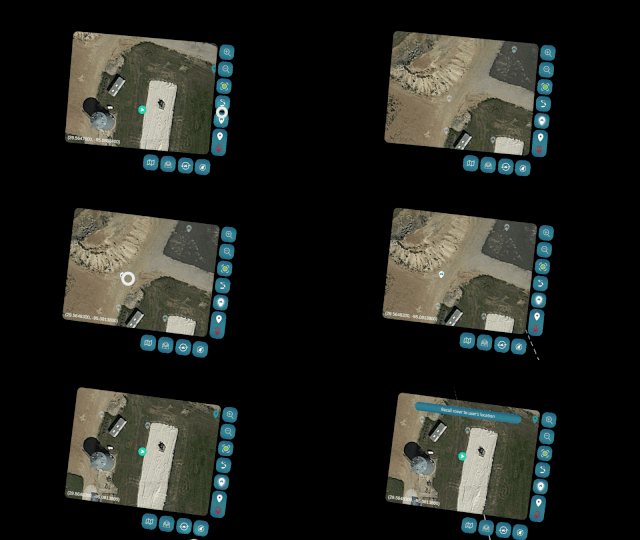
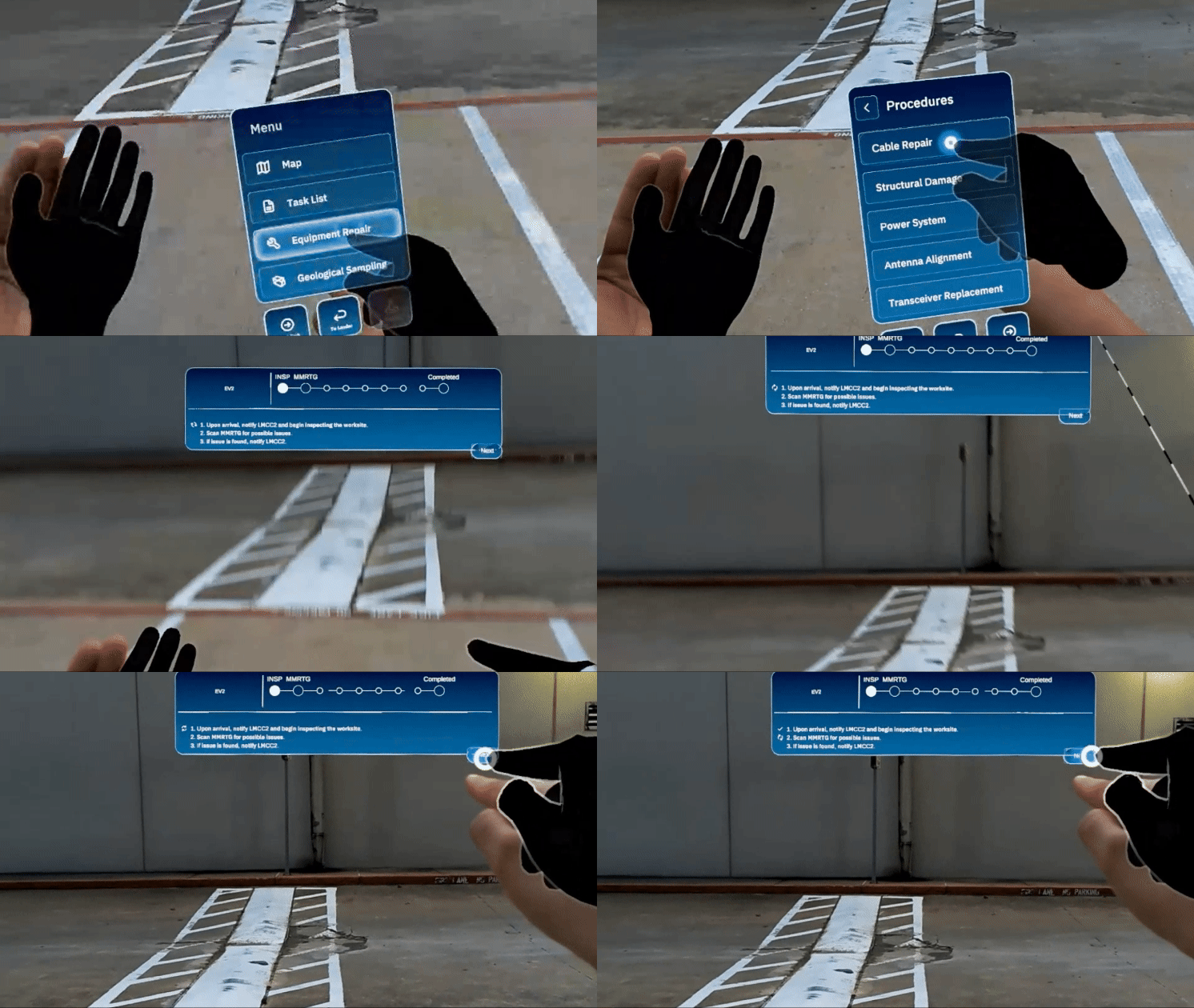
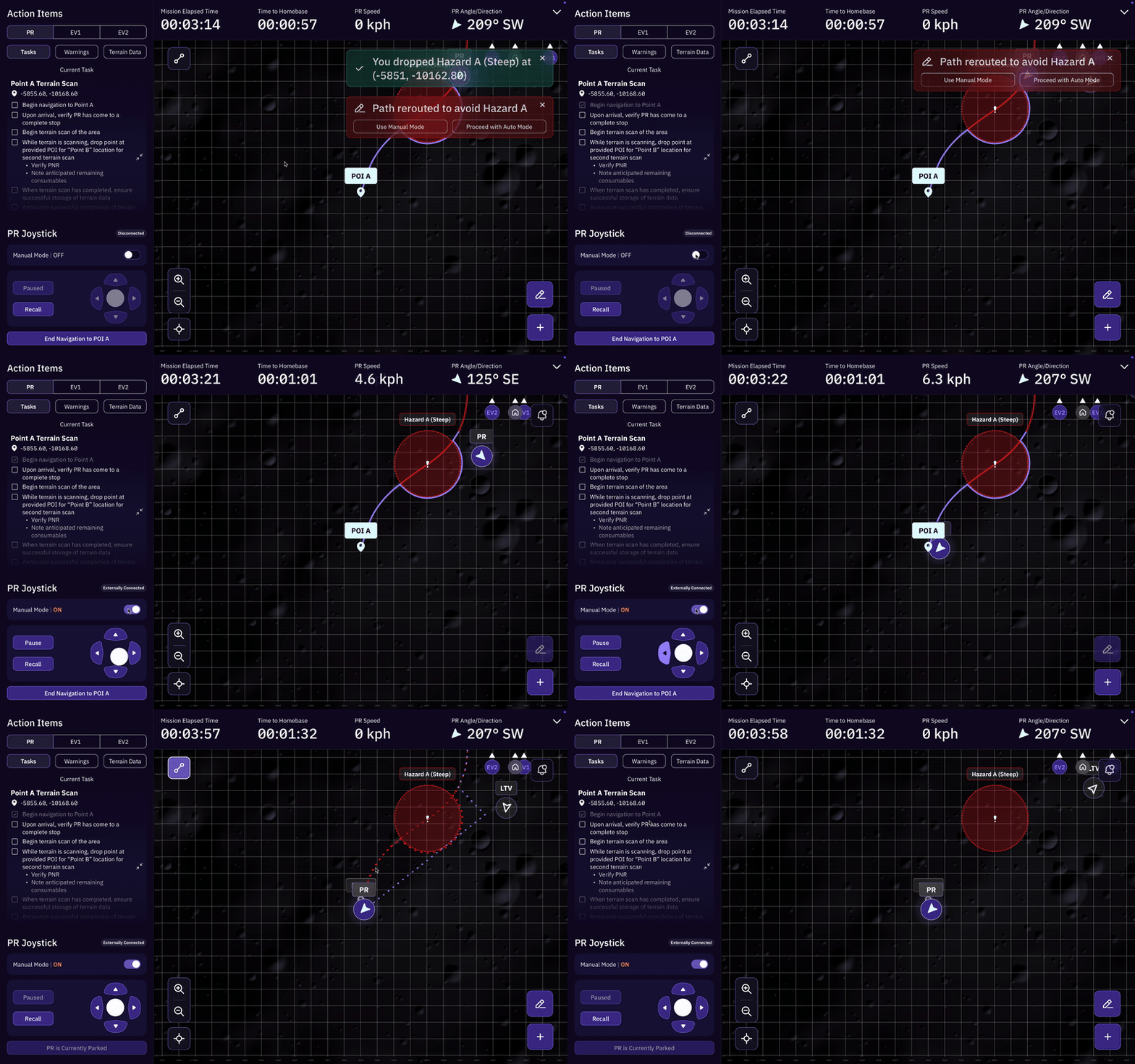
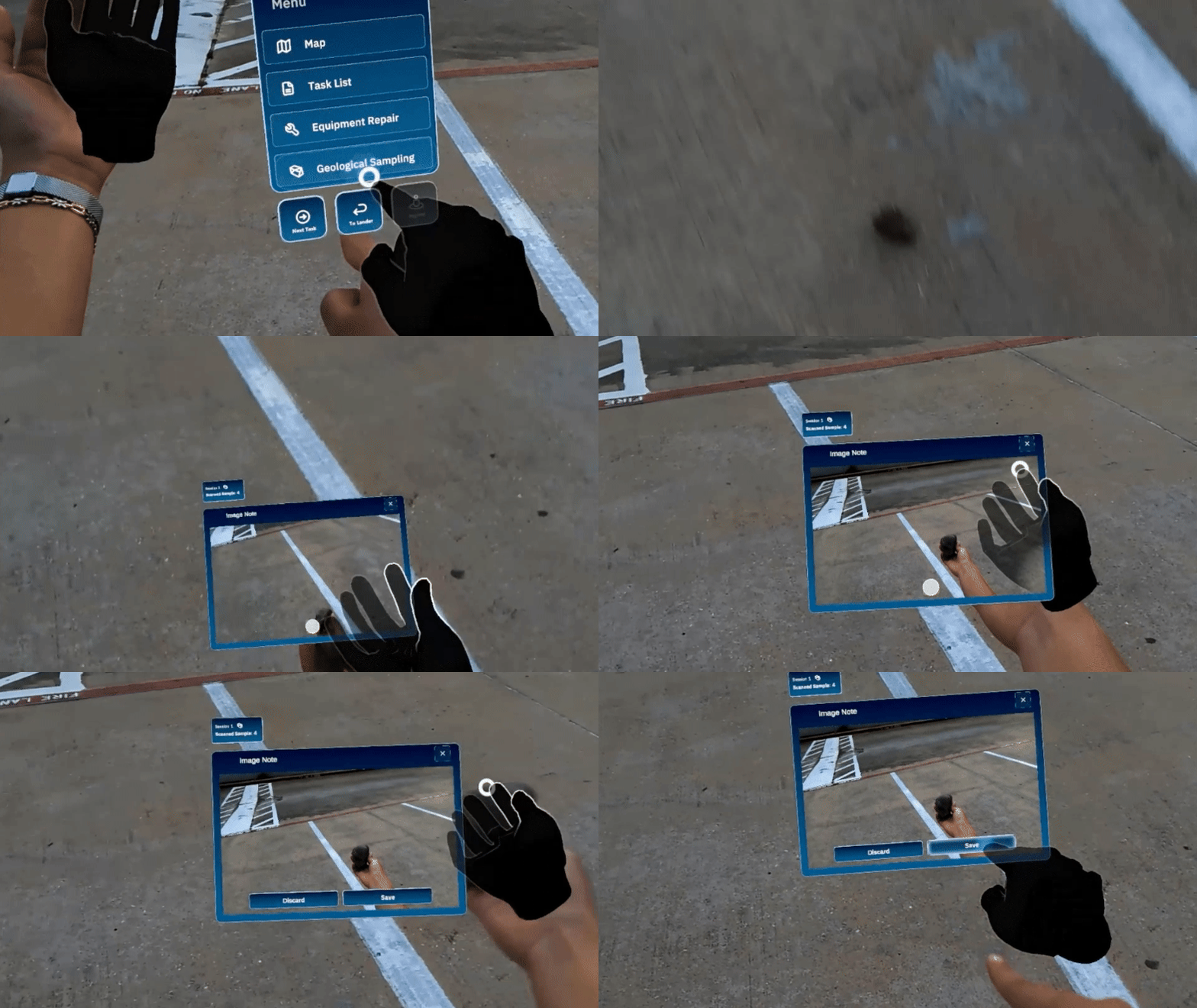
Geo Sampling
✦ Enter sampling session via menu
✦ Scientific info is collected upon scanning with the RFID hand tool
Key Takeaways
01
Understand hardware and software limitations for developers’ and user’s sake

The HMD reads big motions better than precise finger taps
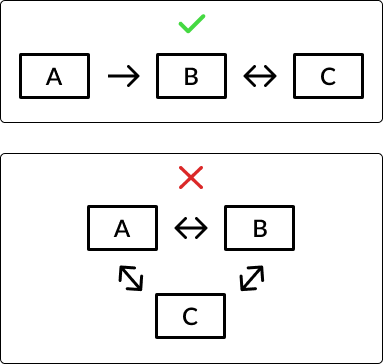
Create a linear process to avoid confusion
Credit: Graphics made by Jessica Young
02
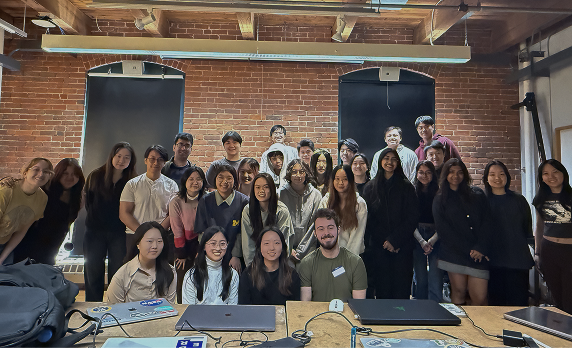
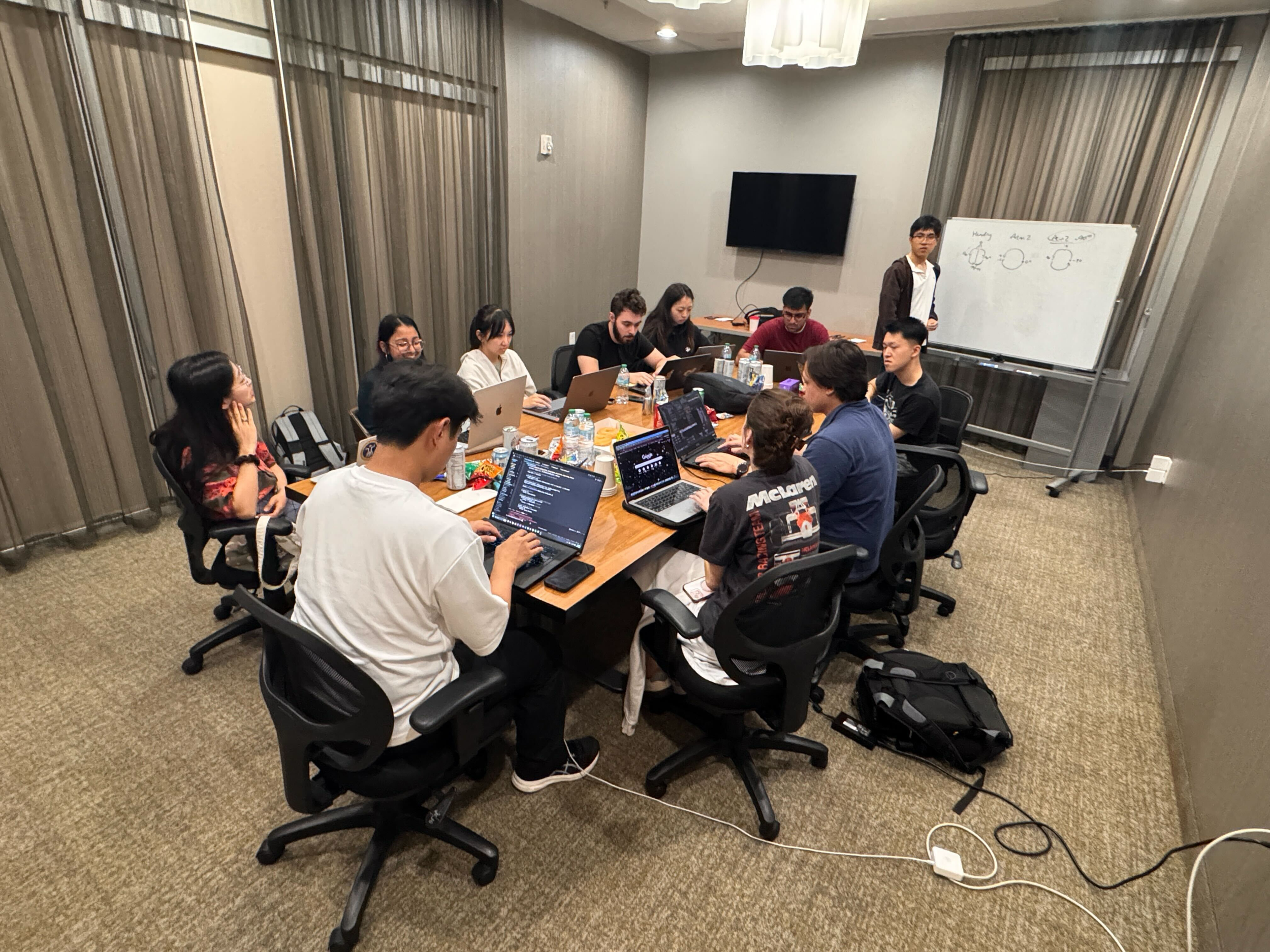
Know my responsibilities and take responsibility to learn teammates’ ideas
Credit: Sunjoo Park
Credit: Su Hyun Ahn
Credit: NASA
03
Note the opportunities for next year’s team leads…(always!)
Goal #1:
Add backup options - functions WILL fail during testing (ex. we need to research hand tracking to ensure the palm menu works every time)!
Goal #2:
Implement project management scrums - we want to run our club like a company to produce the best results for NASA thru teamwork!
Goal #3:
Divide and conquer - keep each team member accountable for their own part of the project!